The fastest way from photo to printed part
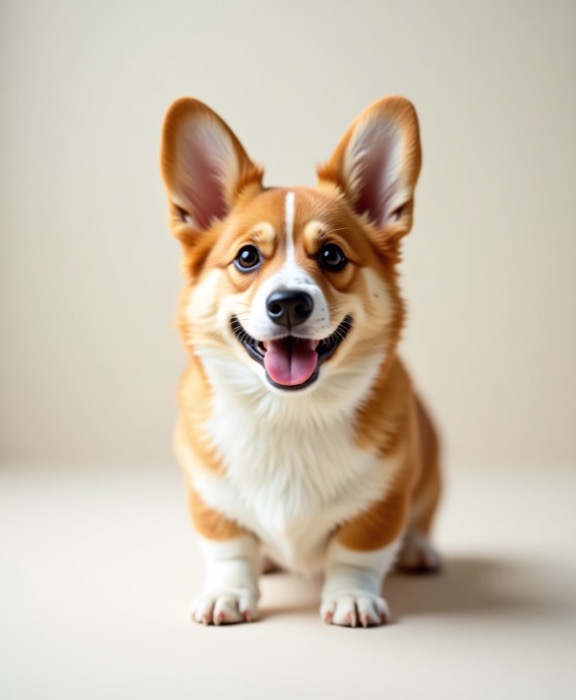
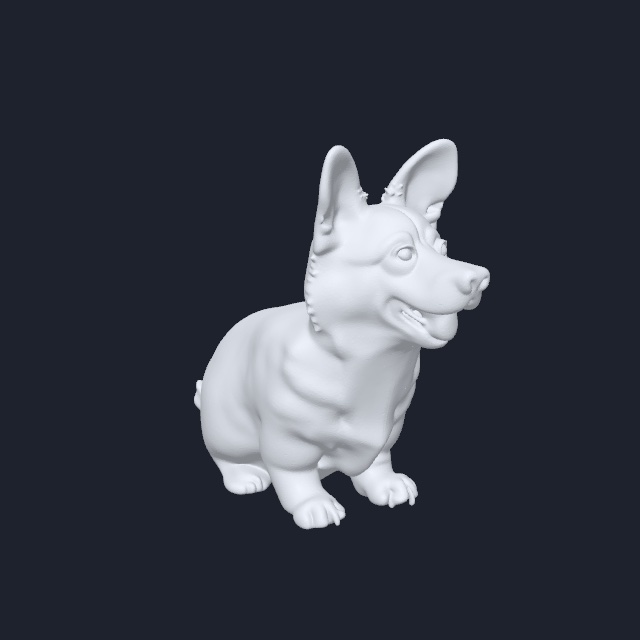
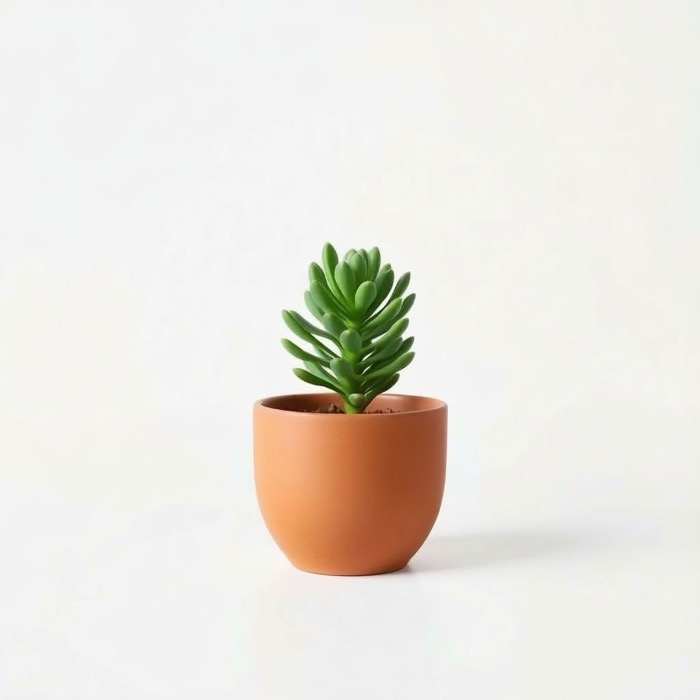
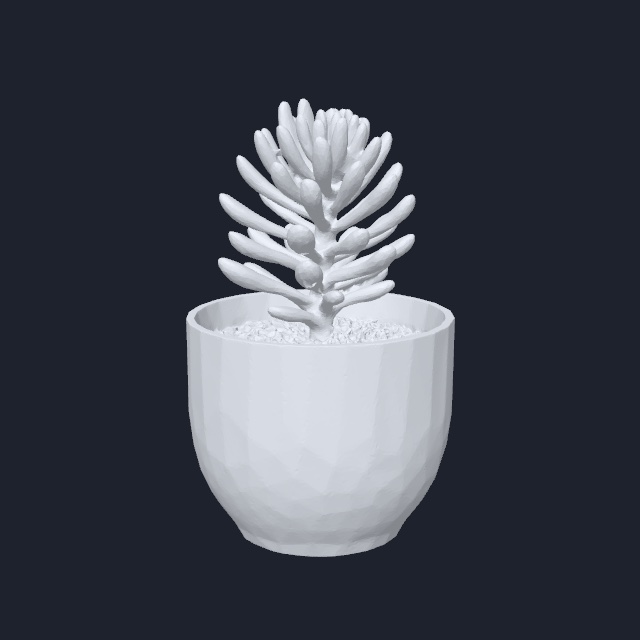
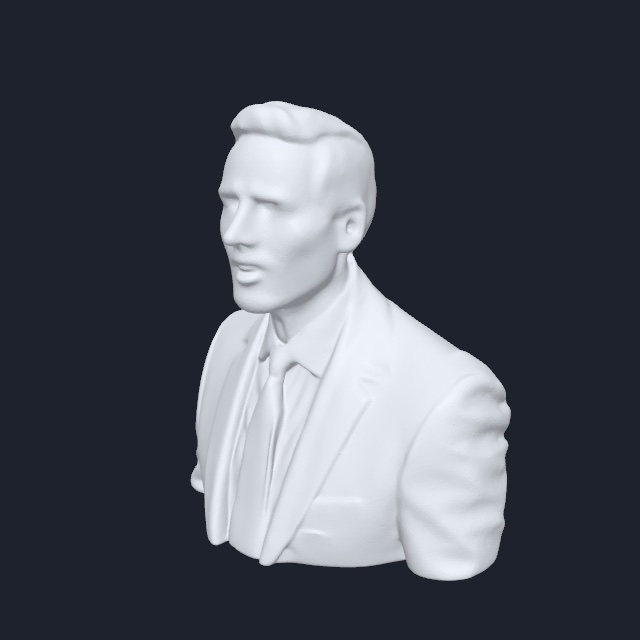
You do not need a 3D scanner, photogrammetry rig or modelling skills. Take one photo, upload it, and the AI produces a solid 3D model. Choose the height, add a base for figurines, download the STL and slice.

Slicer settings that work
| Setting | Value |
|---|---|
| Layer height | 0.12–0.16 mm (FDM), 0.05 mm (resin) |
| Supports | Tree / organic |
| Infill | 10–15% gyroid |
| Walls | 3 perimeters |
Turn your photo into a 3D print
Upload one photo, get an STL in minutes. Your first model is free.
No printer? No problem
Download the STL and send it to any online 3D printing service or a local maker space.
FAQ
How do I 3D print a photo?
Upload the photo here, download the STL and open it in your slicer (Cura, PrusaSlicer, Bambu Studio, OrcaSlicer).
Do I need a 3D scanner?
No — one ordinary photo is enough.