
Make a figurine from any photo
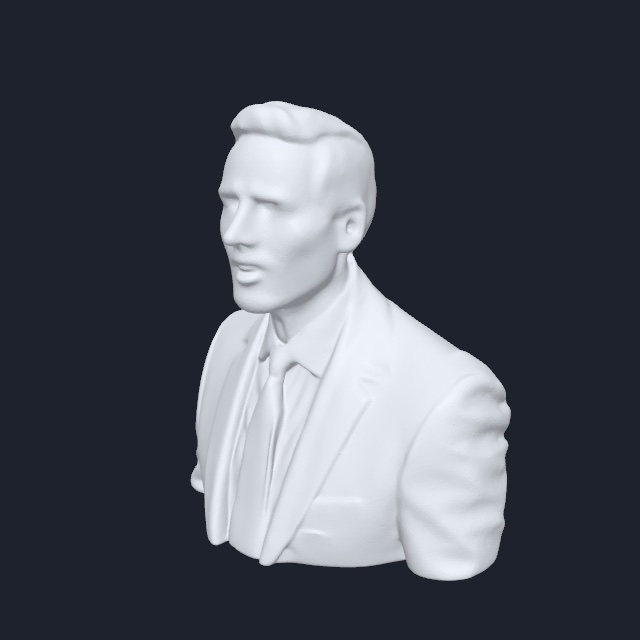
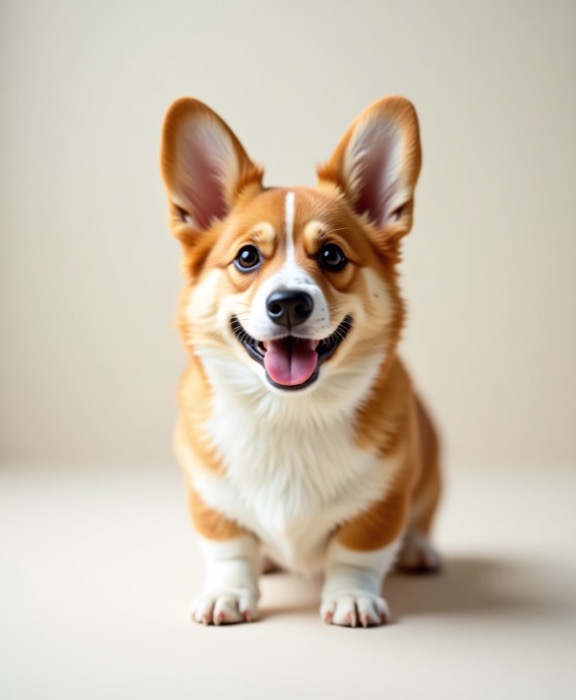
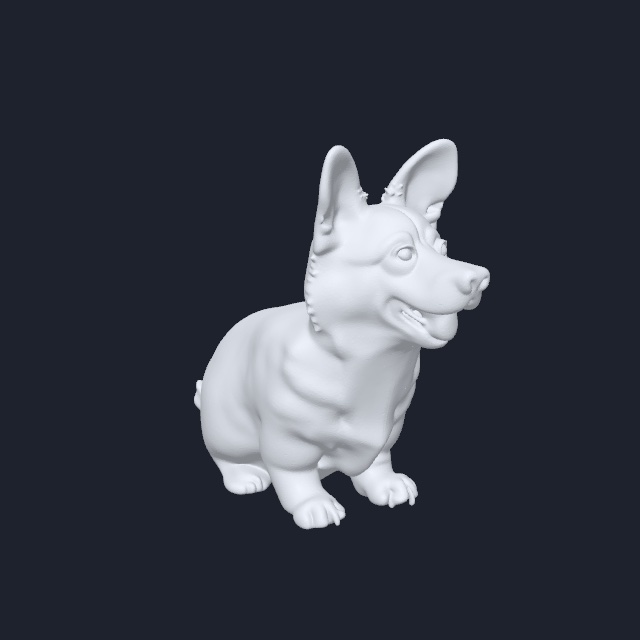
Figurines used to require a sculptor or hours in ZBrush. Photo-to-figurine AI does the sculpting: it reads your photo and builds a 3D model with the right proportions, then Stlify adds a round base so it stands like a proper figurine.
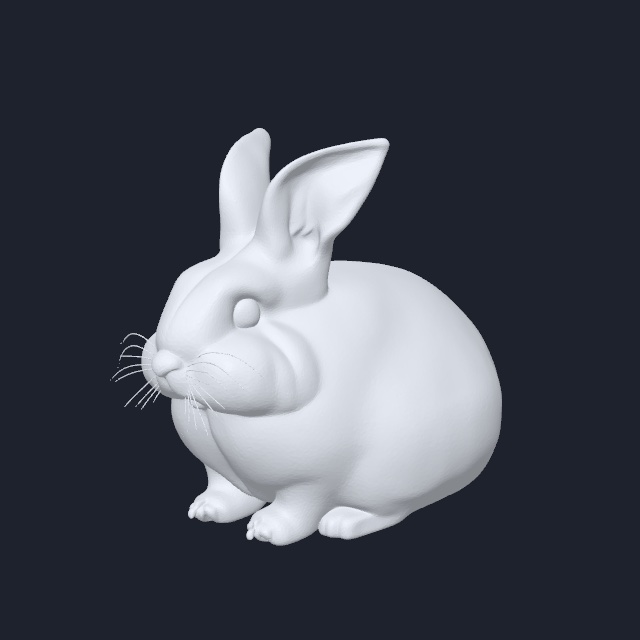
Figurine ideas
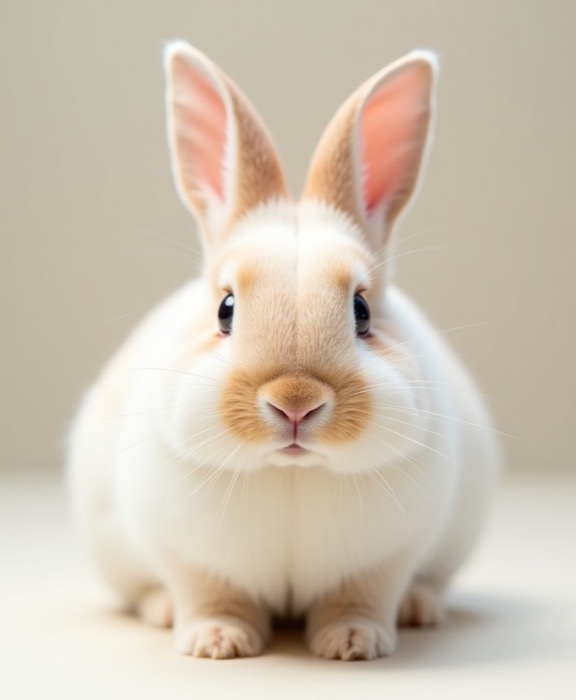
- Your dog or cat, painted in their real colours
- A bust of yourself or a grandparent (with permission)
- A collectible version of a favourite toy
- A wedding cake topper
- Desk mascots and gifts
Finishing your figurine
- Print at 0.12 mm layers with tree supports.
- Sand supports lightly, prime grey.
- Base coat, then dry-brush highlights.
- Seal with matte varnish.
Make a figurine from your photo
Upload one photo, get an STL in minutes. Your first model is free.
FAQ
Can AI make a figurine from a photo?
Yes. Image-to-3D AI builds a full figurine from a single photo; you download it as STL and print it.
Can I make a figurine of a person?
Yes — use a full-body or head-and-shoulders photo, and only of people who agreed to it.