What makes this picture to STL converter different
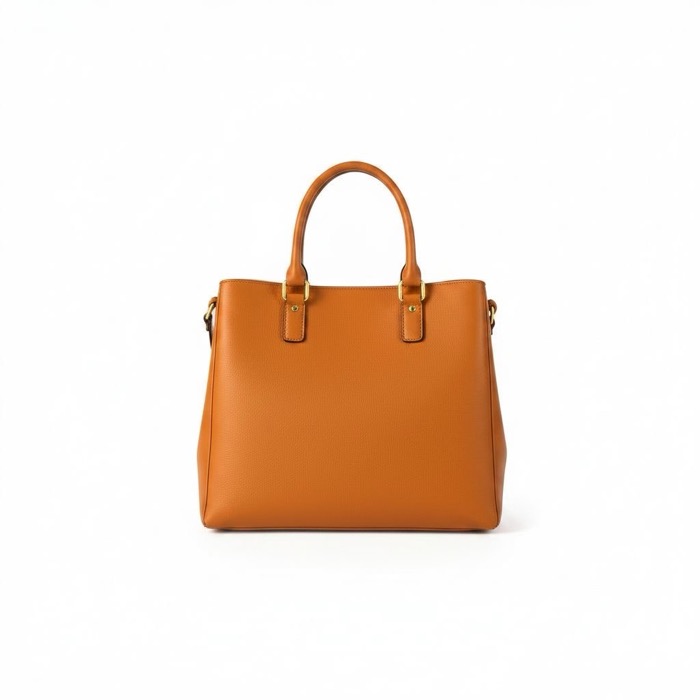
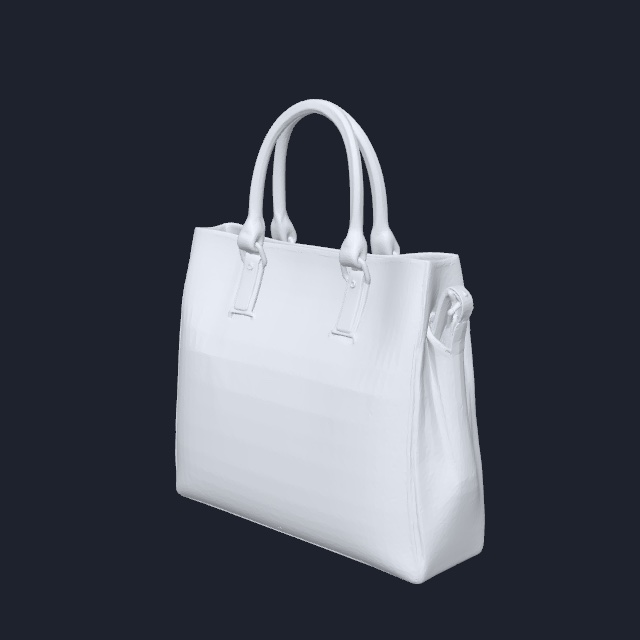
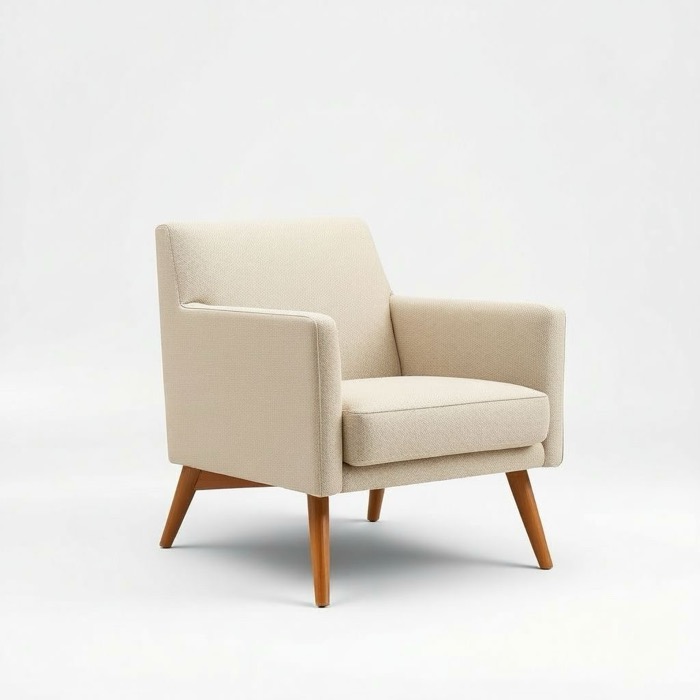
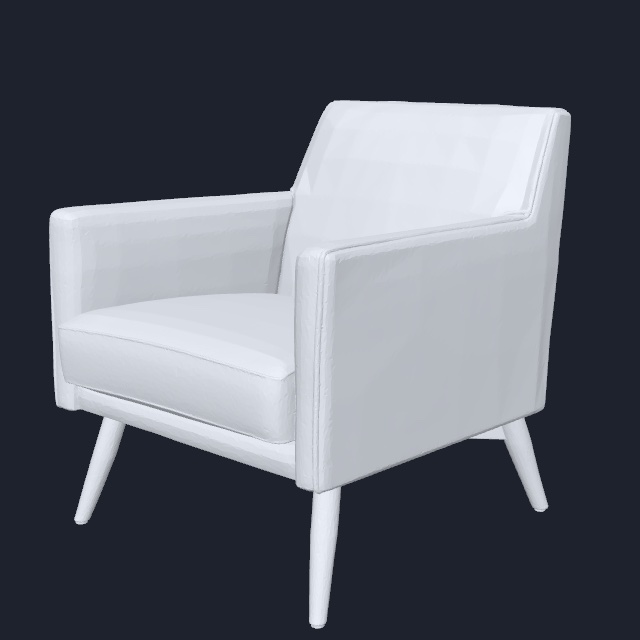
Most free “picture to STL” converters turn pixel brightness into height. That makes a lithophane or a bumpy relief — the picture stays flat. Stlify AI reconstructs the actual object in the picture, so a photo of a shoe becomes a shoe you can hold, not a shoe-shaped tile.
| Converter type | Result |
|---|---|
| Brightness to height | Flat panel; good for lithophanes |
| Outline extrude | Flat shape; good for logos and cookie cutters |
| AI image-to-3D (Stlify) | Full 3D object; good for figurines, products, pets |
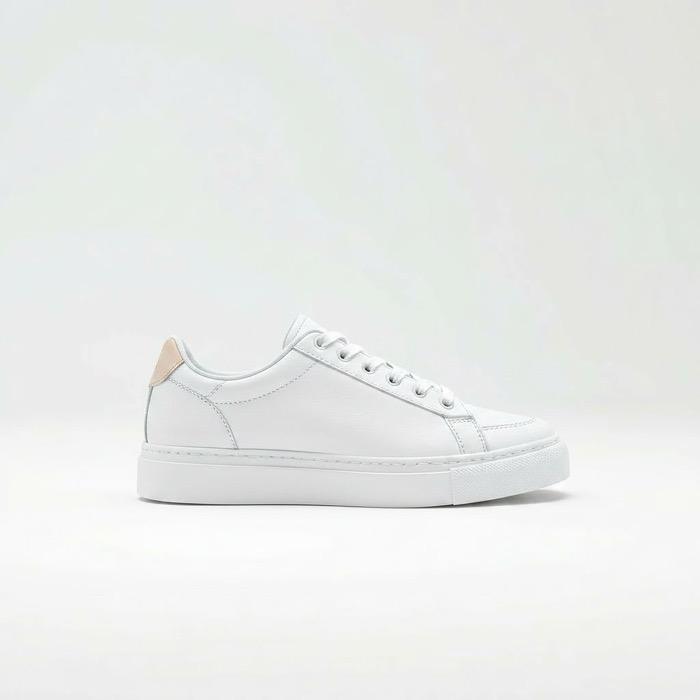
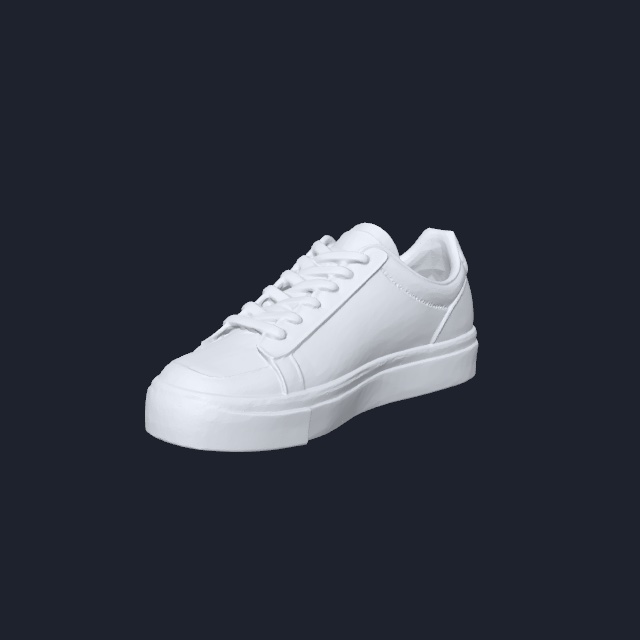
How to convert a picture to STL
- Upload a JPG, PNG or WebP with one clear subject.
- Wait 1–5 minutes while the AI builds the model.
- Rotate it, check the grey Print view, set the height in mm.
- Download the STL (or OBJ / GLB).
Convert your picture to STL
Upload one photo, get an STL in minutes. Your first model is free.
Pictures that convert well
- Product photos on a plain background
- Pets and people photographed whole
- Toys, figurines and collectibles
- Furniture and home decor
- Cars from a three-quarter angle
FAQ
Is there a free picture to STL converter?
Brightness-based converters are free. Full AI 3D needs GPU time; your first Stlify model is free.
Which picture formats work?
JPG, PNG and WebP up to 12 MB.
Will the STL be printable?
Yes — a single solid mesh, Z-up, standing on the build plate.