Convert JPG to STL: Lithophane, Relief or Full 3D — Which One Do You Need?
There are three very different ways to convert a JPG into an STL. Learn when to use a lithophane, a 2D extrude (Tinkercad/SVG) or full AI image-to-3D.
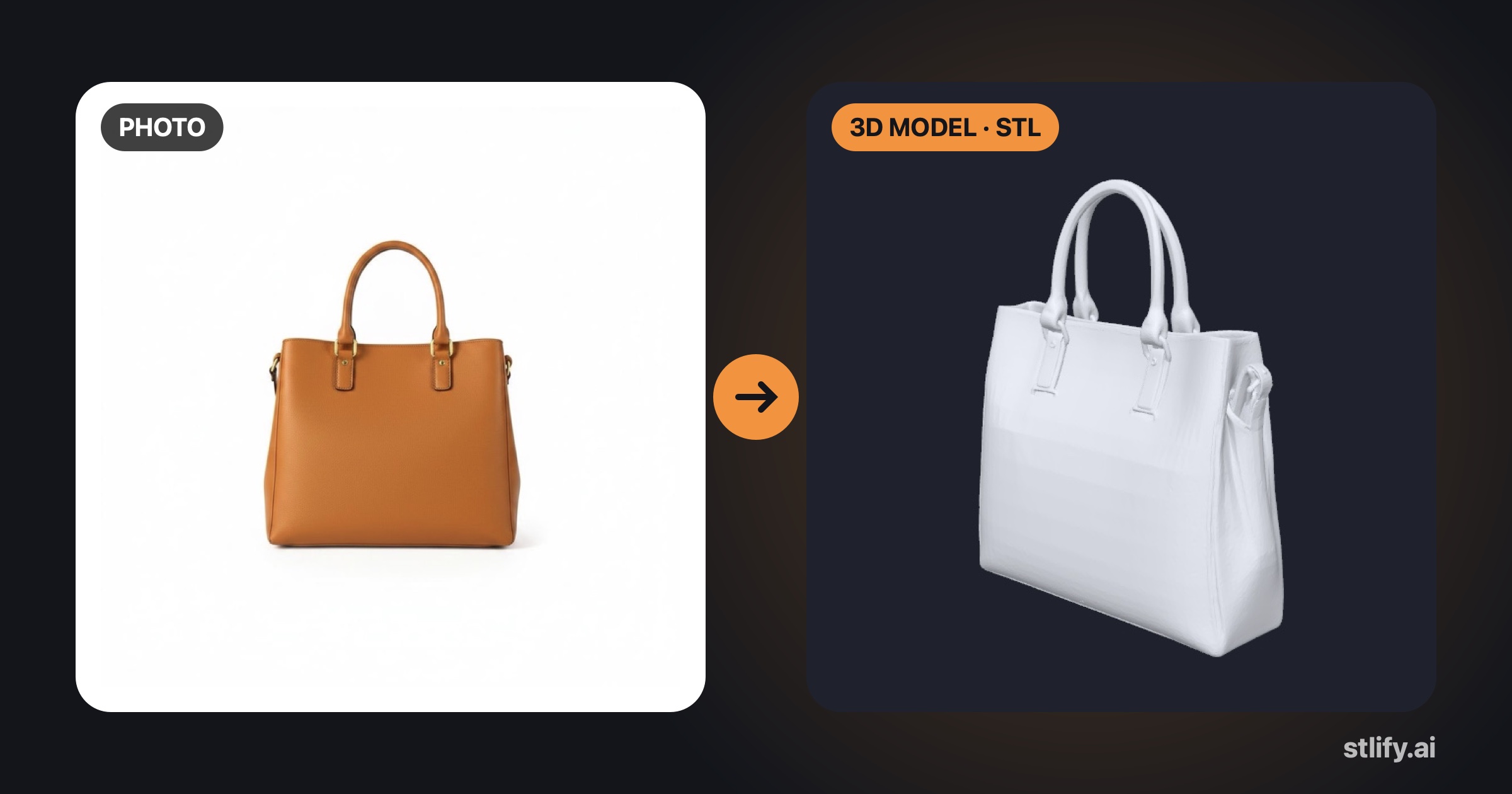
- Lithophane: pixel brightness becomes thickness — a backlit photo panel.
- Extrude: an outline (via SVG) is pulled up into a flat shape — logos, cookie cutters, signs.
- Full 3D: AI rebuilds the real object from the photo — figurines, products, busts.
- Pick the method by what you want to hold in your hand, not by the file format.
“Convert JPG to STL” is one of the most searched 3D printing questions — and one of the most confusing, because three completely different techniques hide behind it. Here is what each one makes, and how to do it.
| Method | You get | Best for | Tools |
|---|---|---|---|
| Lithophane | Thin panel; photo appears when lit from behind | Night lights, gifts, lamp shades | Lithophane generators, slicer plugins |
| 2D extrude | Flat shape with height | Logos, keychains, cookie cutters, signs | Convert JPG → SVG, then Tinkercad or Fusion |
| Full 3D (AI) | A complete object you can turn around | Figurines, pets, products, busts | Stlify AI and other image-to-3D tools |
Method 1: Lithophane
Every pixel’s brightness becomes a thickness: dark areas are thick, light areas are thin. Printed in white PLA and held against a light, the photo appears. Use a high-contrast photo and print vertically at 0.1–0.12 mm layers with 100% infill.
Method 2: Extrude an outline (Tinkercad)
Tinkercad does not import JPG directly. Trace the image to an SVG (with a vector tool or an online tracer), import the SVG into Tinkercad and set the height. Perfect for logos, name tags and cookie cutters — but everything stays flat.
Method 3: Full 3D from the photo (AI)
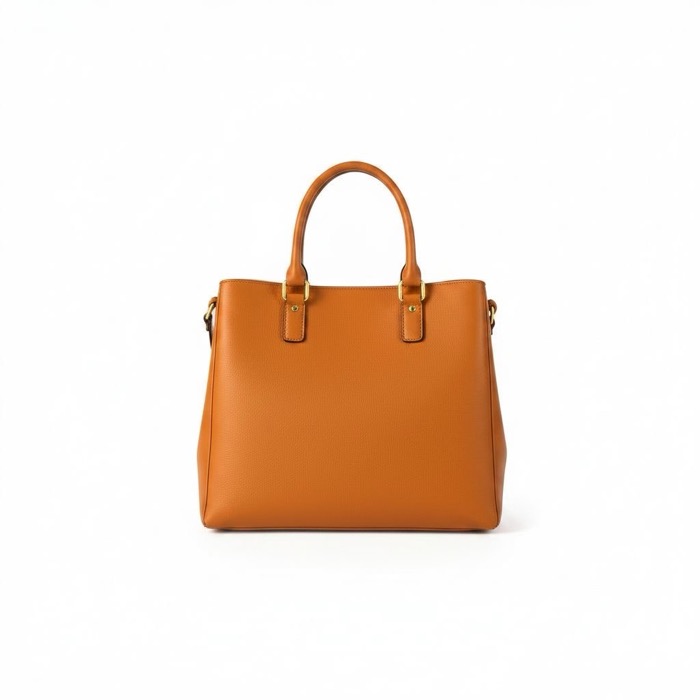
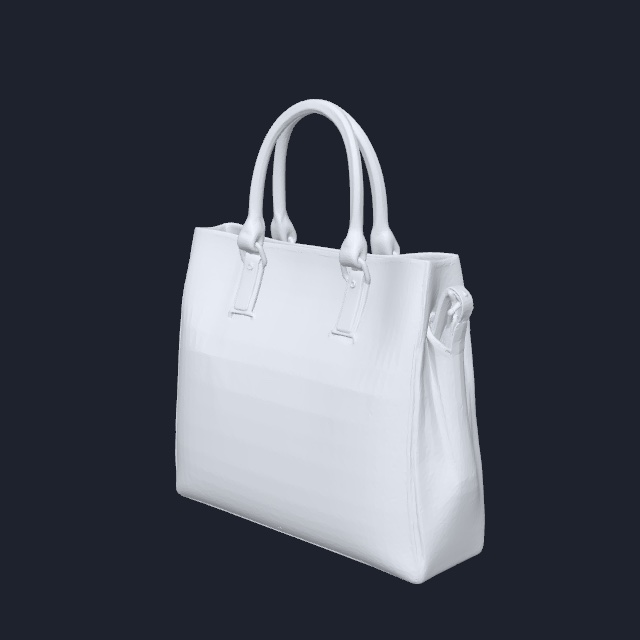
If you want the actual object — a handbag, a dog, a chair — you need image-to-3D reconstruction. The AI rebuilds depth and the hidden sides and gives you a solid mesh to export as STL.
Which one should you choose?
- You want the photo itself, glowing — lithophane.
- You want a flat shape of a logo or drawing — extrude via SVG.
- You want the thing in the photo, as an object — full 3D.
FAQ
Can Tinkercad convert a JPG to STL?
Not directly. Convert the JPG to SVG first, import the SVG and extrude it. The result is flat.
What is the best free way to convert JPG to STL?
For lithophanes and extrudes there are free tools. Full 3D needs GPU time; Stlify gives a free first model to new accounts.
Does PNG work too?
Yes — JPG, PNG and WebP all work for AI photo-to-3D.