Turn a Drawing into a 3D Print: Mascots, Characters and Kids’ Art
How to turn a character drawing, mascot or child’s artwork into a 3D printable figure with AI — how to prepare the drawing, generate the model and print it.
Published November 24, 2026 · 6 min read · by the Stlify AI team
Key takeaways
- Clean, coloured character drawings convert to 3D surprisingly well.
- Draw the full body, use solid fills and keep the background white.
- The AI invents a matching back side, so front or three-quarter views both work.
- Kids’ drawings work best when an adult traces them neatly first.
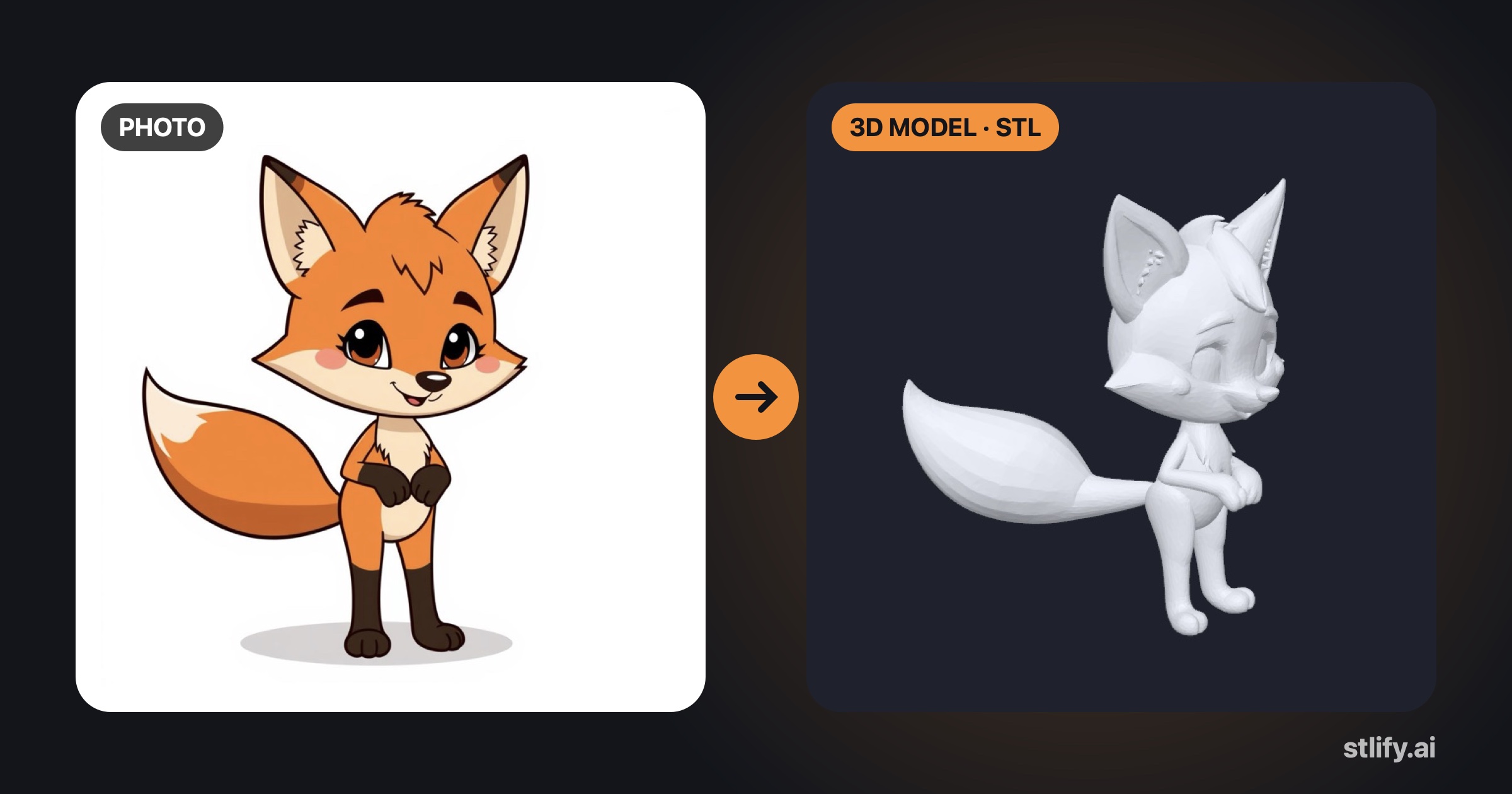
Image-to-3D AI learns what objects look like from every side, and that includes cartoon characters. A mascot, your original character or a child’s favourite drawing can become a small figure you can hold — no sculpting required.
Prepare the drawing
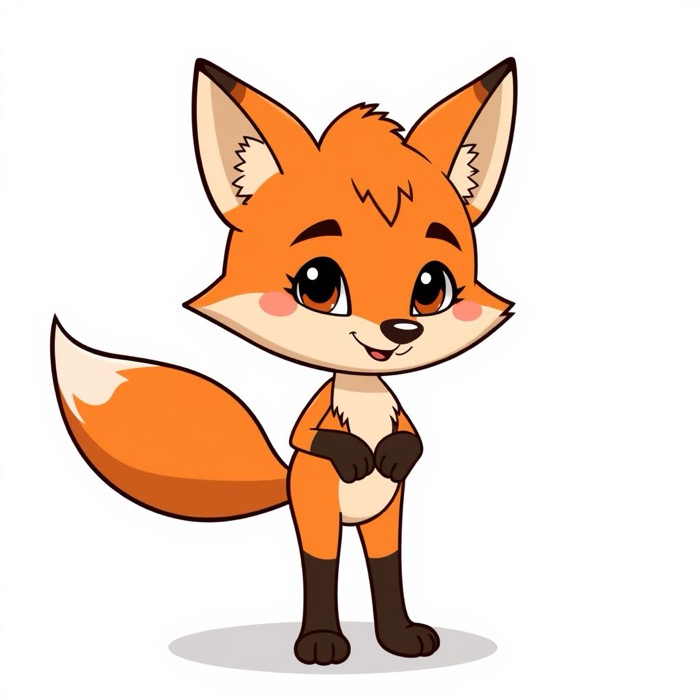
- One character, full body, feet visible.
- Bold outlines and solid colour fills — avoid hatching and sketchy construction lines.
- Plain white background.
- Scan or photograph it flat, in good light, without shadows.
- Crop so the character fills most of the image.
For kids’ drawings, trace the lines with a marker and colour them in with flat colours. The AI reads shapes from the colours.
Generate the 3D figure
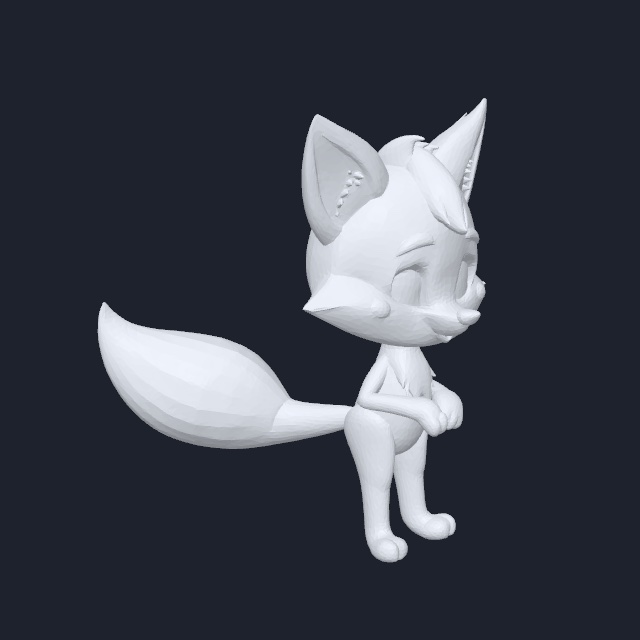
Upload the image on the drawing-to-3D page. The AI gives the flat shapes volume — a round head, a body, a tail — and builds a back side in the same style.
Turn your drawing into 3D
Upload one photo, get an STL in minutes. Your first model is free.
Print it
- 80–100 mm tall with the round base option.
- Tree supports under arms and tail.
- Paint with the drawing next to you as a colour reference.
Gift ideas
- A child’s drawing as a birthday keepsake
- A small-business mascot for the shop counter
- Your D&D or OC character as a mini
- Cake toppers and ornaments
FAQ
Can AI turn a 2D drawing into a 3D model?
Yes — clean character drawings work well. The AI builds volume and a back side automatically.
Do pencil sketches work?
Rough sketches are hard. Ink and colour them first for a much better result.