Lithophane vs 3D Figurine: Which Photo Gift to Print?
Lithophane vs 3D figurine: what a lithophane is, how to make one with free tools, the best print settings, and when a full 3D figurine is the better gift.
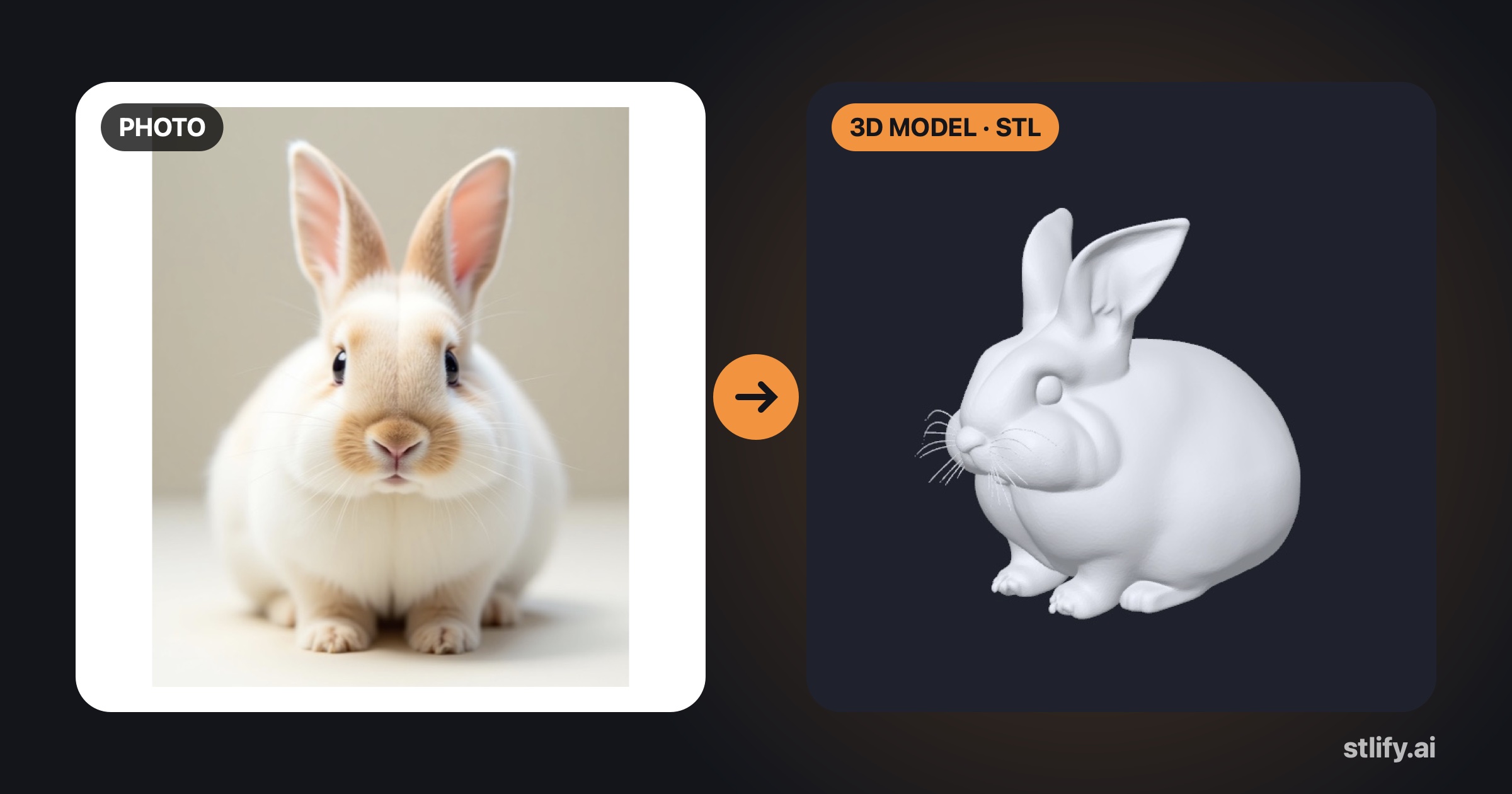
- A lithophane is a thin relief panel — usually 0.8–3 mm thick — that reveals a photo only when light shines through it.
- You make one with a free lithophane generator or a slicer that turns an image into a height map; any photo works, even group shots.
- Print lithophanes upright in white PLA at 0.1–0.12 mm layers with 100% infill, slowly, with a brim.
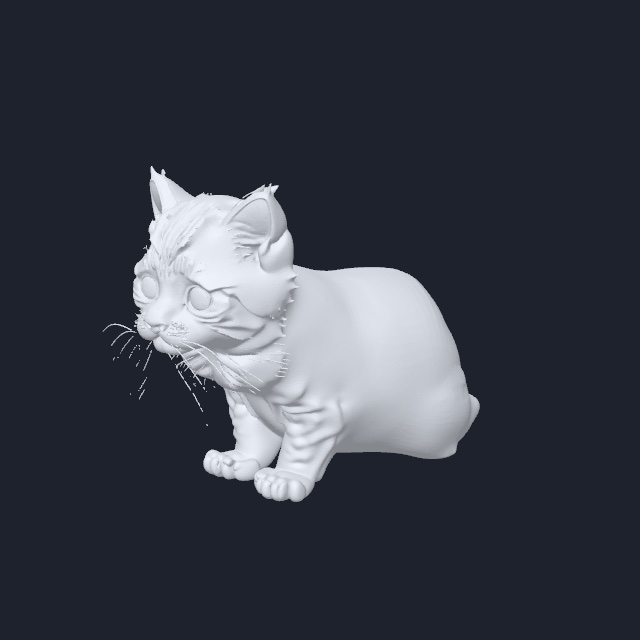
- A 3D figurine is a full object you can hold and view from every side — the better gift for pets, people and cars as keepsakes.
- Stlify makes 3D figurines from one photo; it does not make lithophanes.
A lithophane is a thin, flat relief printed from a photo: thicker areas block more light and look dark, thinner areas glow, so the picture appears only when you hold it up to a lamp or window. A 3D figurine is a complete object built from the photo that you can look at from every side. Choose a lithophane for scenes, group photos and night lights; choose a figurine when the subject itself — a pet, a person, a car — should stand on the shelf.
To be clear up front: Stlify AI turns one photo into a 3D figurine. It does not make lithophanes. Below we explain how lithophanes work, how people make them with free tools, the print settings that matter, and when a figurine is the better gift.
What is a lithophane?
Lithophanes are an old idea: in the 19th century, porcelain makers carved thin plaques that showed detailed pictures when lit from behind. 3D printing revived them because the math is simple. Each pixel of a greyscale photo becomes a thickness: dark pixels are thick, light pixels are thin. Printed in white or natural filament and lit from behind, the varying thickness recreates the photo in shades of light.
- Unlit, it looks like a blank, textured white panel.
- Lit from behind, the photo appears with surprising detail and smooth gradients.
- Shapes: flat panels, curved panels, cylinders for lamps, cubes, globes and heart shapes.
- It is a 2.5D object: depth only in one direction, no back side.
How to make a lithophane with free tools
You don’t need AI for a lithophane — it is a direct conversion from pixels to thickness. There are free web-based lithophane generators that take a photo and export an STL, and some slicers can import an image directly as a relief (UltiMaker Cura, for example, can open a JPG or PNG as a height map). The general workflow is the same everywhere:
- Pick a photo with good contrast and a clear subject. Crop it to the shape you want.
- Load it into a lithophane generator or a slicer that supports image-to-relief.
- Make sure the mode is set so darker means thicker (the usual lithophane setting).
- Set the size (for example 100 × 75 mm), the maximum thickness (around 3 mm) and the minimum thickness (around 0.6–0.8 mm).
- Choose a shape — flat, curved or cylinder — and add a frame or stand if the tool offers one.
- Export the STL and slice it with lithophane settings (below).
Lithophane print settings
Lithophanes are unforgiving: every gap, seam or infill pattern shows up as a light or dark mark when lit. These settings are a widely used starting point for FDM printers with a 0.4 mm nozzle.
| Setting | Recommended | Why |
|---|---|---|
| Material | White or natural PLA | Even light transmission; colours tint and darken the image |
| Orientation | Upright (standing vertically) | Detail is formed by the nozzle path, giving finer resolution than flat |
| Layer height | 0.1–0.12 mm | Smoother gradients |
| Infill | 100% | Any infill pattern would show through |
| Walls | Enough to fill the thinnest areas solid (or 100% infill does it) | No gaps inside the panel |
| Max / min thickness | About 3 mm / 0.6–0.8 mm | Range from dark to bright |
| Speed | Slow outer walls (e.g. 30–50 mm/s) | Fewer artefacts and less wobble on a tall, thin part |
| Adhesion | Brim (5–10 mm) | A tall, thin panel easily topples |
| Supports | None for flat panels | Standing upright needs none |
| Seam | Aligned to an edge or the back | Keeps the image clean |
Cylinder lithophanes for lamps print upright naturally and are very stable. Resin printers can also print lithophanes with very fine detail, but light transmission depends heavily on the resin colour and cure, so test small first.
What is a 3D figurine from a photo?
A figurine is the subject itself, in three dimensions: your dog sitting on the shelf, a bust of a grandparent, a model of your first car. Image-to-3D AI reconstructs the full object from one photo, including the side and back the camera did not see, and exports a solid mesh you can print in any colour, paint or print in multiple colours.
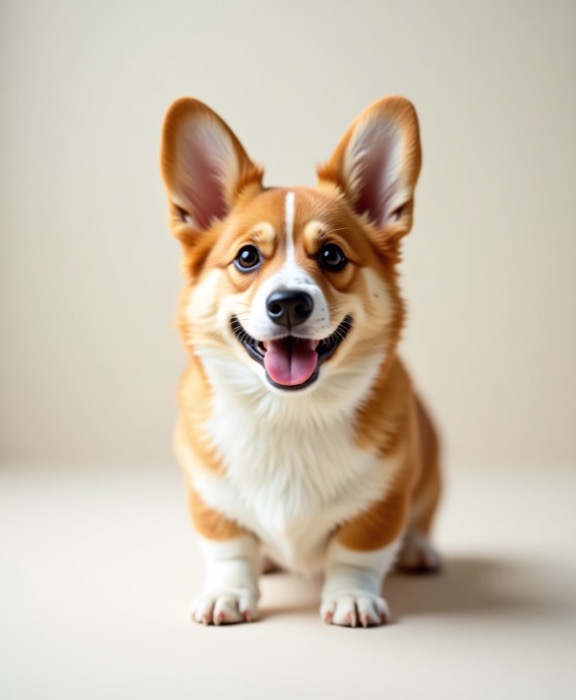
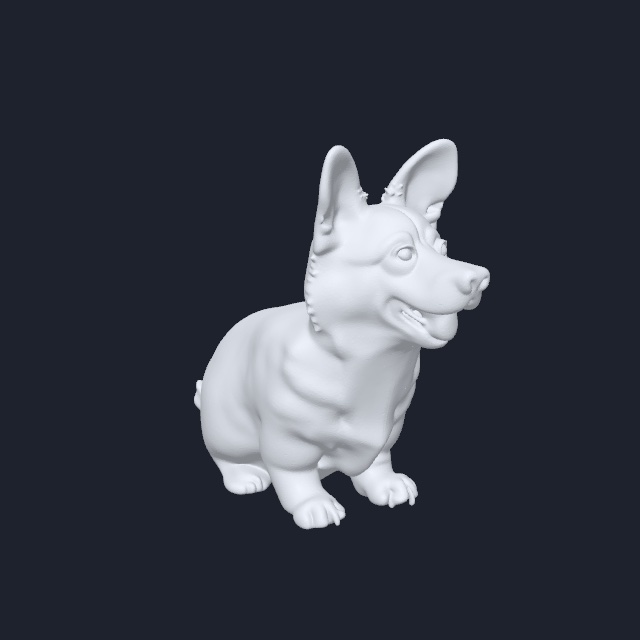
Lithophane vs 3D figurine: side-by-side
| Lithophane | 3D figurine | |
|---|---|---|
| What it is | Flat or curved relief panel | Full 3D object |
| Needs light to see the picture | Yes, from behind | No |
| Shows from every side | No, front only | Yes |
| Best photos | Any: scenes, groups, landscapes, portraits | One subject, whole body in frame |
| Handles two or more people | Yes | Poorly — one subject per model |
| Colour | Mostly monochrome (colour versions are complex) | One colour, painted, or multi-colour via AMS |
| Typical size | 100 × 75 mm panel or 80–100 mm cylinder | 80–120 mm FDM, 40–80 mm resin |
| Typical FDM print time | A few hours (100% infill, slow) | A few hours to a day depending on size |
| Tools | Free generators or slicer image import | Image-to-3D AI such as Stlify |
| Cost of the file | Usually free | First model free on Stlify, then packs from $7.99 |
| Gift feel | Night light, window piece, framed memory | Keepsake, desk figure, memorial, collectible |
When a lithophane is the better choice
- The photo has several people or pets, or a scene that matters — a wedding, a family on a beach.
- You want a lamp, night light or window decoration.
- The photo is a face close-up — lithophanes handle portraits well; single-photo 3D does not.
- You want a quick, free result with no AI involved.
When a 3D figurine is the better gift
- The subject itself matters: a pet, a person, a car, a favourite object.
- You want something to hold, turn around and see from every side.
- It should stand on a shelf or desk without a lamp.
- You want to paint it, print it in colour, or make several sizes.
- It is a memorial for a pet — a small figurine on a round base is a very personal keepsake.
Why not both?
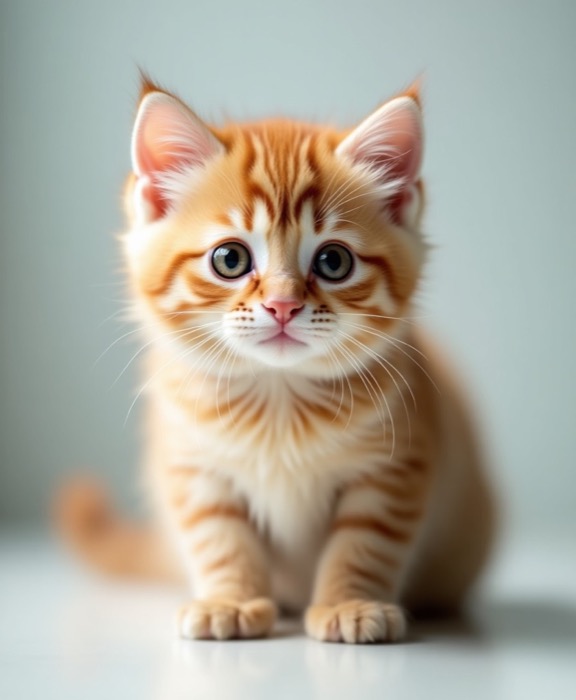
Many makers print both from the same photo shoot: a lithophane of a group or a scenic shot, and a figurine of the pet or person. They make a lovely pair on a shelf — a glowing panel behind and a figurine in front. Just take two photos: the scene for the lithophane, and a full-body, one-subject shot for the figurine.
Making a figurine with Stlify
- Take or pick a photo: one subject, whole body in frame, plain background, soft light.
- Upload it on the Create page and wait about 1–5 minutes.
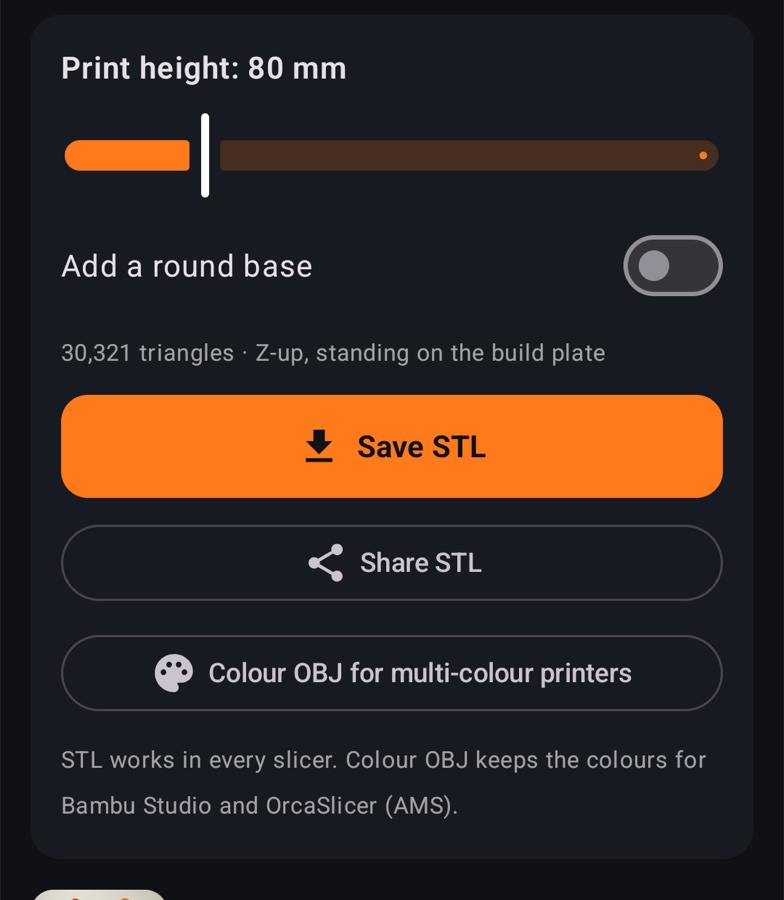
- Check the result in Print view, then set the height (20–300 mm) and tick the round base if you want one.
- Download STL for a single-colour print, Colour OBJ for an AMS print, or GLB as a painting reference.
- Print at 0.12 mm layers with tree supports on FDM, or 0.05 mm on resin.
FAQ
What is a lithophane?
A thin printed relief of a photo. Thicker parts block light and look dark, thinner parts glow, so the image appears when it is lit from behind.
Does Stlify make lithophanes?
No. Stlify turns a photo into a full 3D figurine. For lithophanes, use a free lithophane generator or a slicer that imports images as a relief.
What infill should a lithophane use?
100% infill, so no infill pattern shows through when it is lit. Print upright in white PLA at 0.1–0.12 mm layers.
How thick should a lithophane be?
A common range is about 3 mm at the darkest areas and 0.6–0.8 mm at the brightest.
Which is a better gift, a lithophane or a figurine?
A lithophane suits scenes, groups and night lights; a figurine suits a single pet, person or object you want to see from every side.
Can I make a lithophane from any photo?
Almost any. High-contrast photos with a clear subject work best; very dark photos look muddy.