Photo to 3D Model Examples
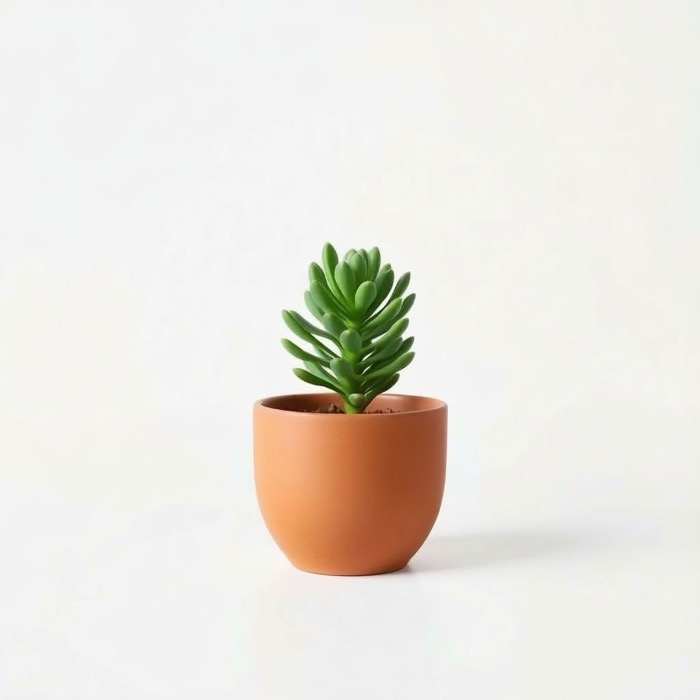
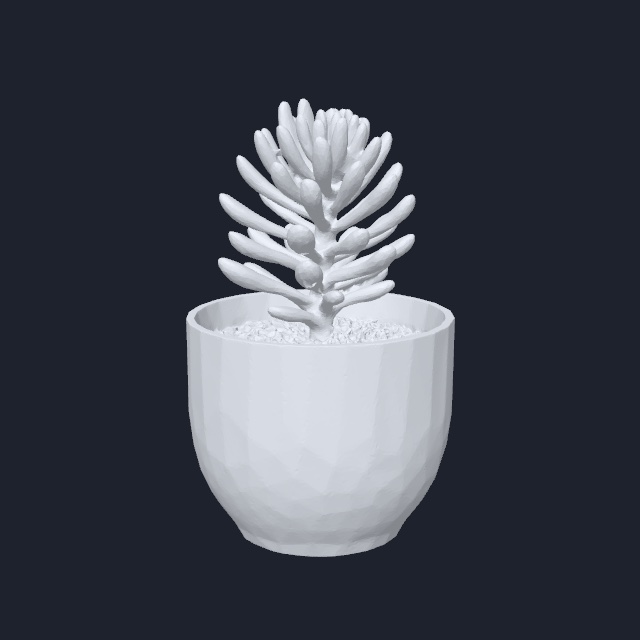
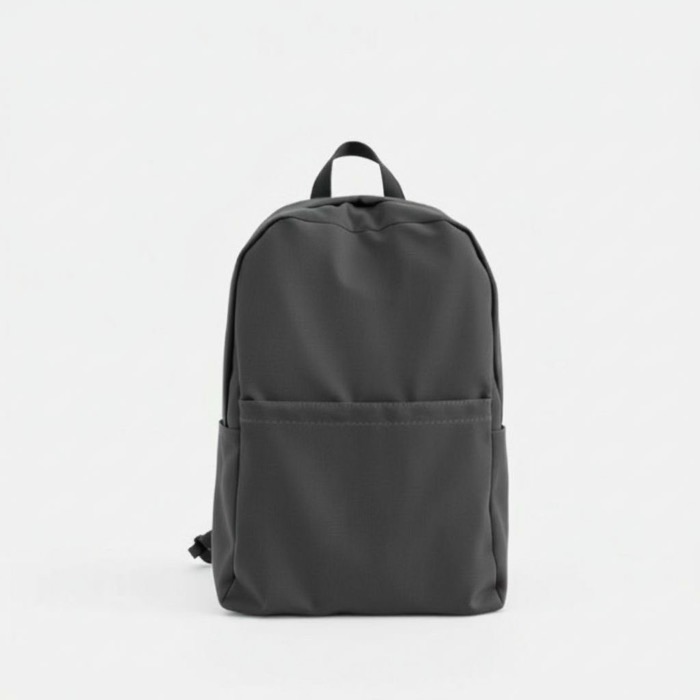
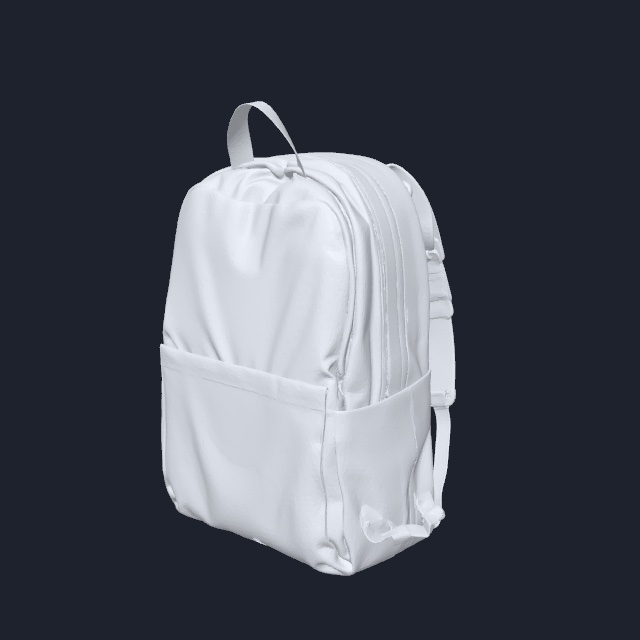
Compare each source image with the 3D model it produced. Look at details such as fur, handles and thin legs to see how different subjects translate into 3D.
Pets
Look at the shape of the ears, paws and tails. A full-body photo gives the model more information about the pose.
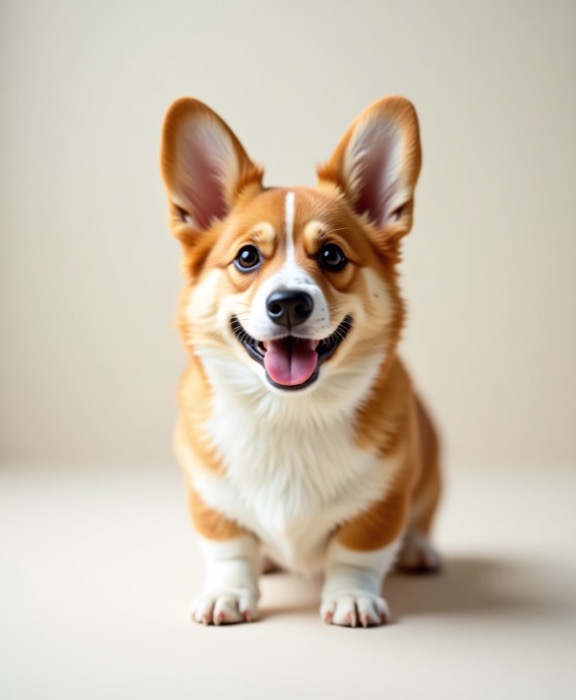 Source image
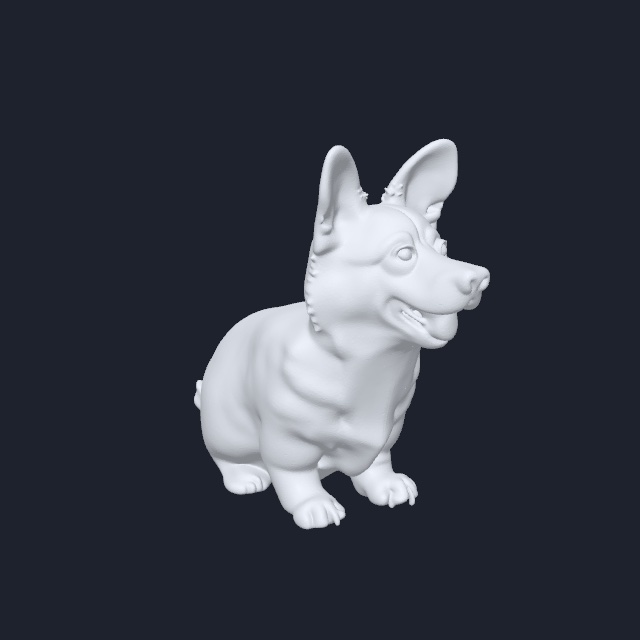 3D result
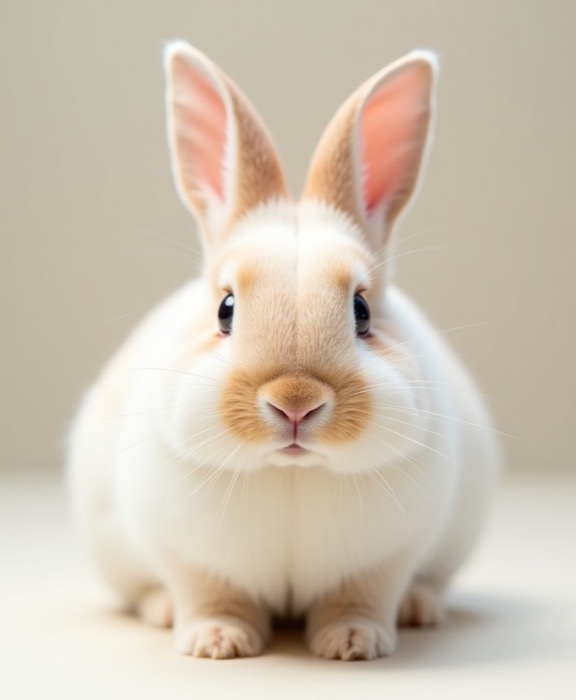 Source image
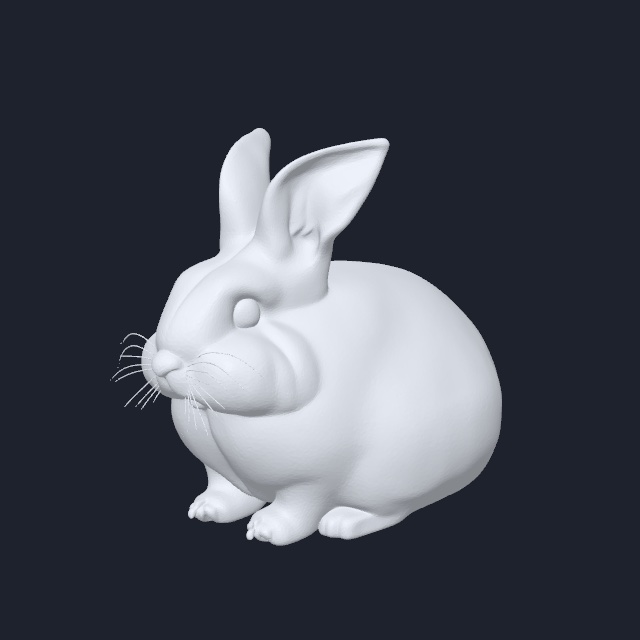 3D result
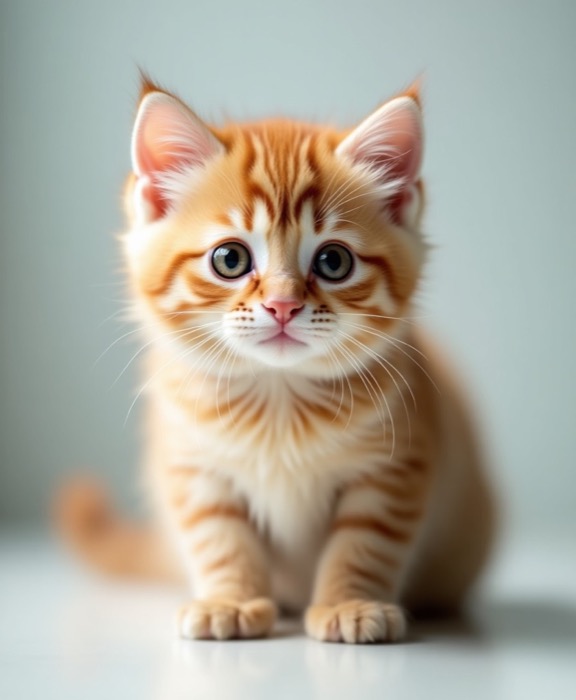 Source image
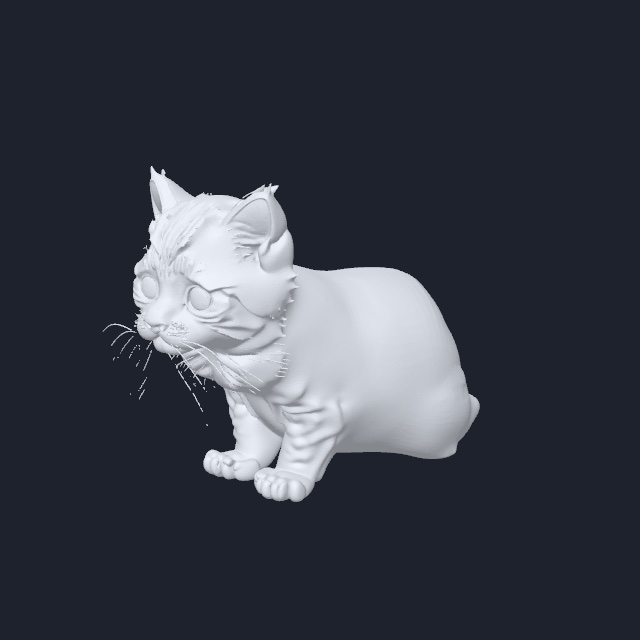 3D result
Products and Home Objects
Compare handles, straps and legs on objects with a mix of solid and thin features.
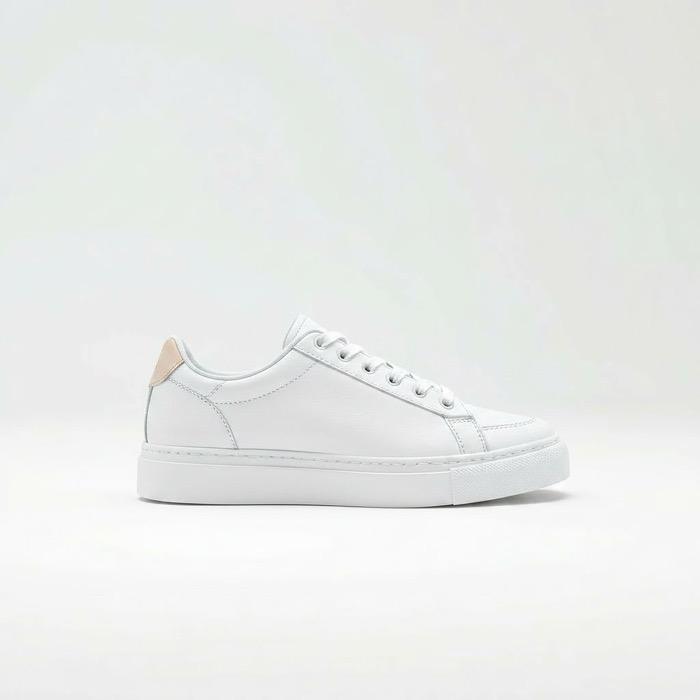 Source image
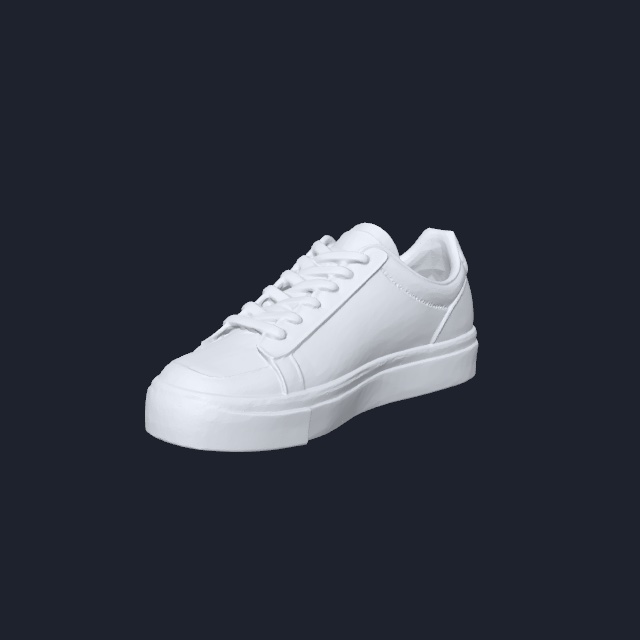 3D result
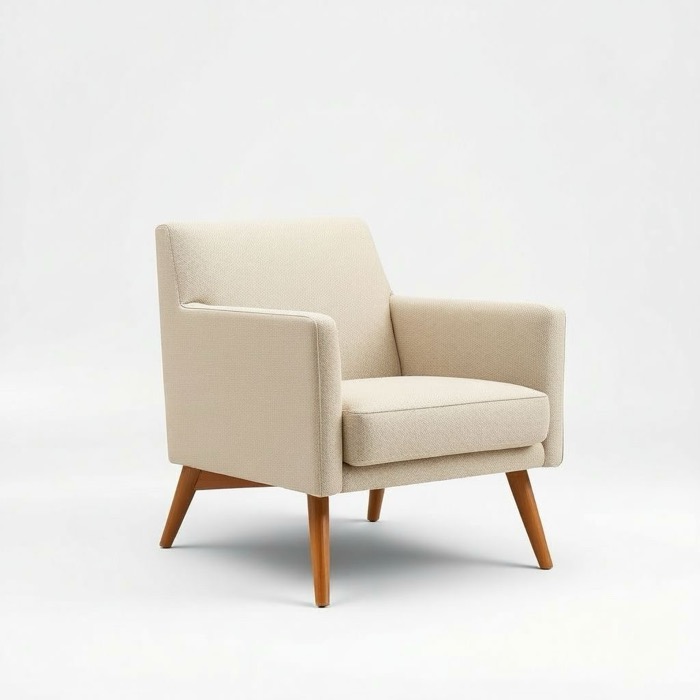 Source image
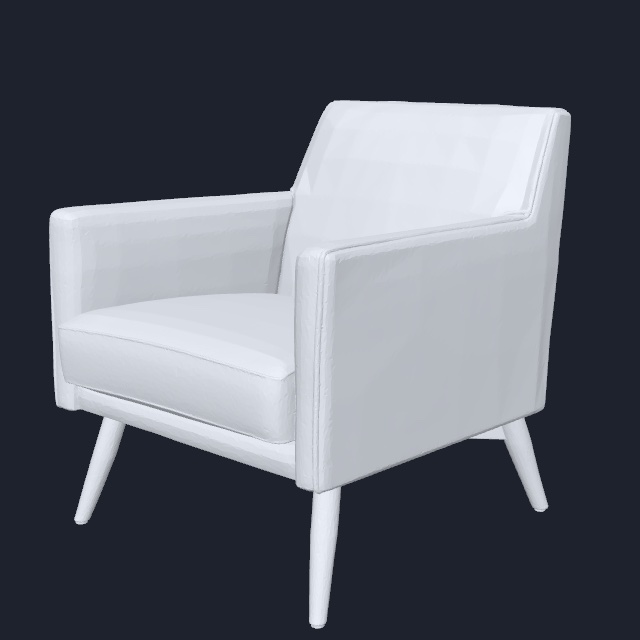 3D result
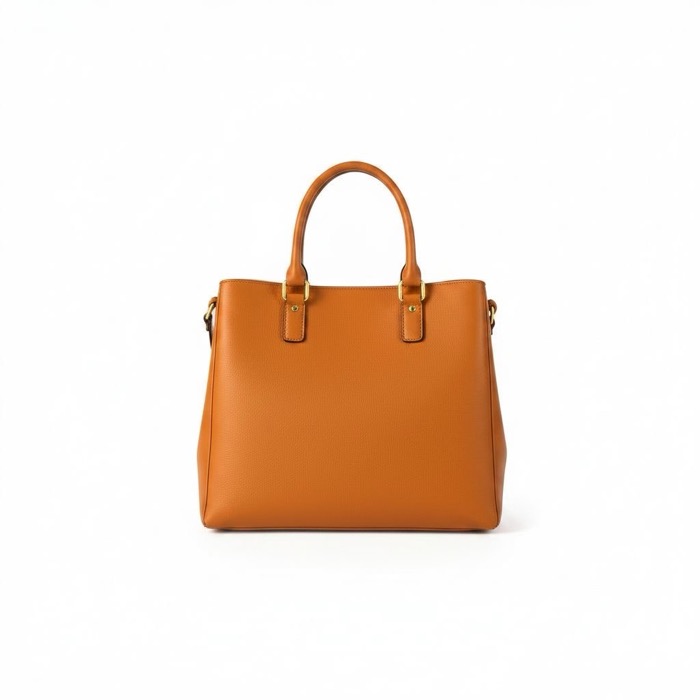 Source image
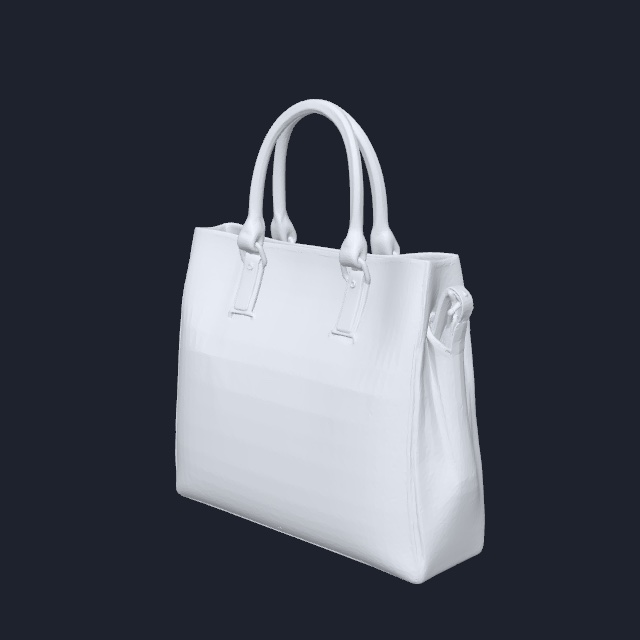 3D result
 Source image
 3D result
 Source image
 3D result
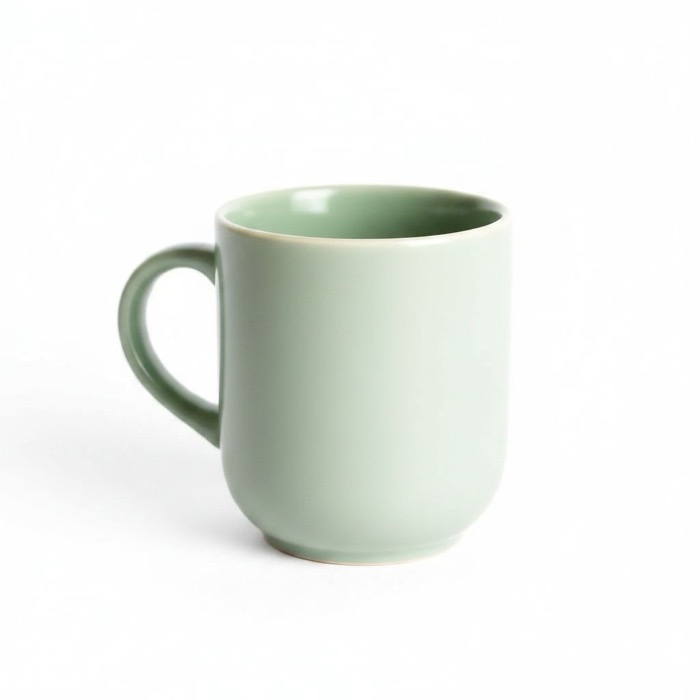 Source image
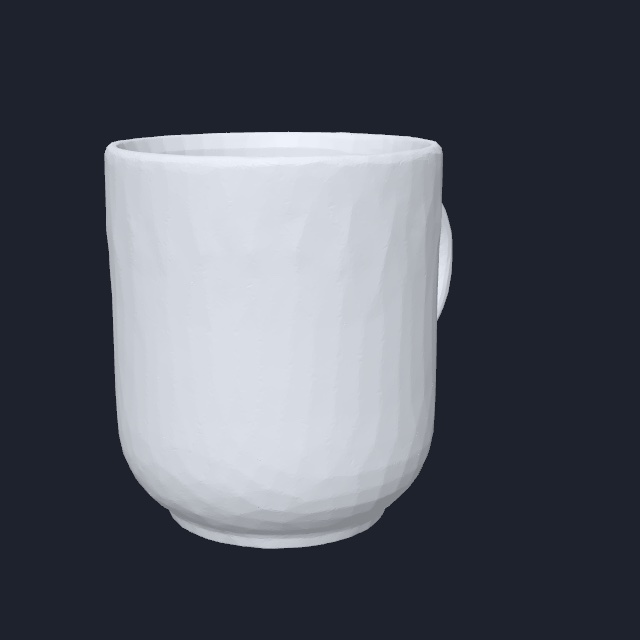 3D result
Portrait, Car and Drawing
Notice how the portrait becomes a bust and how Stlify interprets the shape of the car and the flat illustration.
 Source image
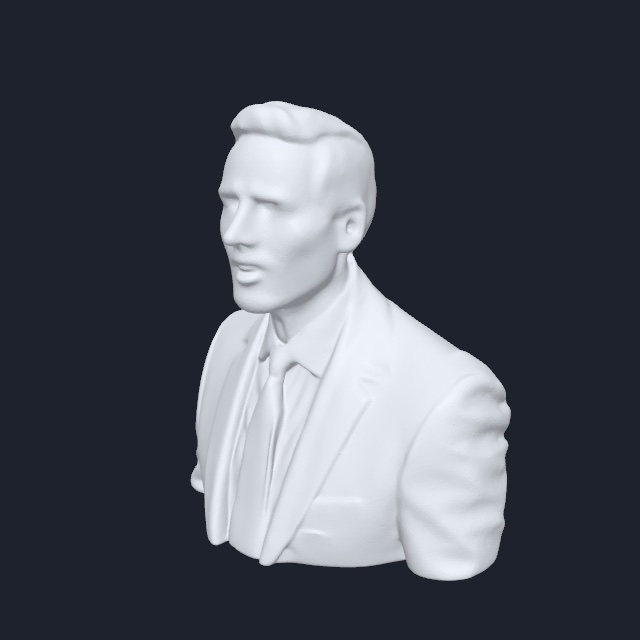 3D result
 Source image
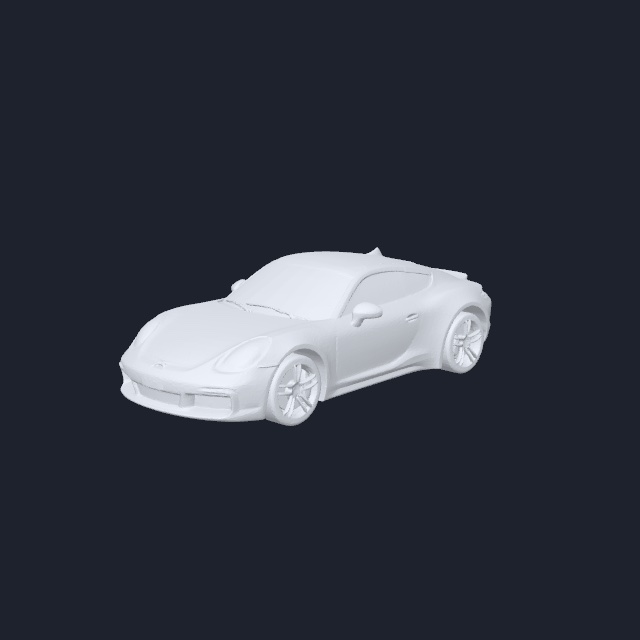 3D result
 Source image
 3D result
Rotate an Example in 3D
Your photoDog
A pet photo becomes a figurine — ears, paws and fur included.