STL vs OBJ vs 3MF (and GLB): Which 3D File to Use?
STL vs OBJ vs 3MF vs GLB explained: what each file stores (geometry, units, colour, materials), which slicers open them, and which to pick for printing.
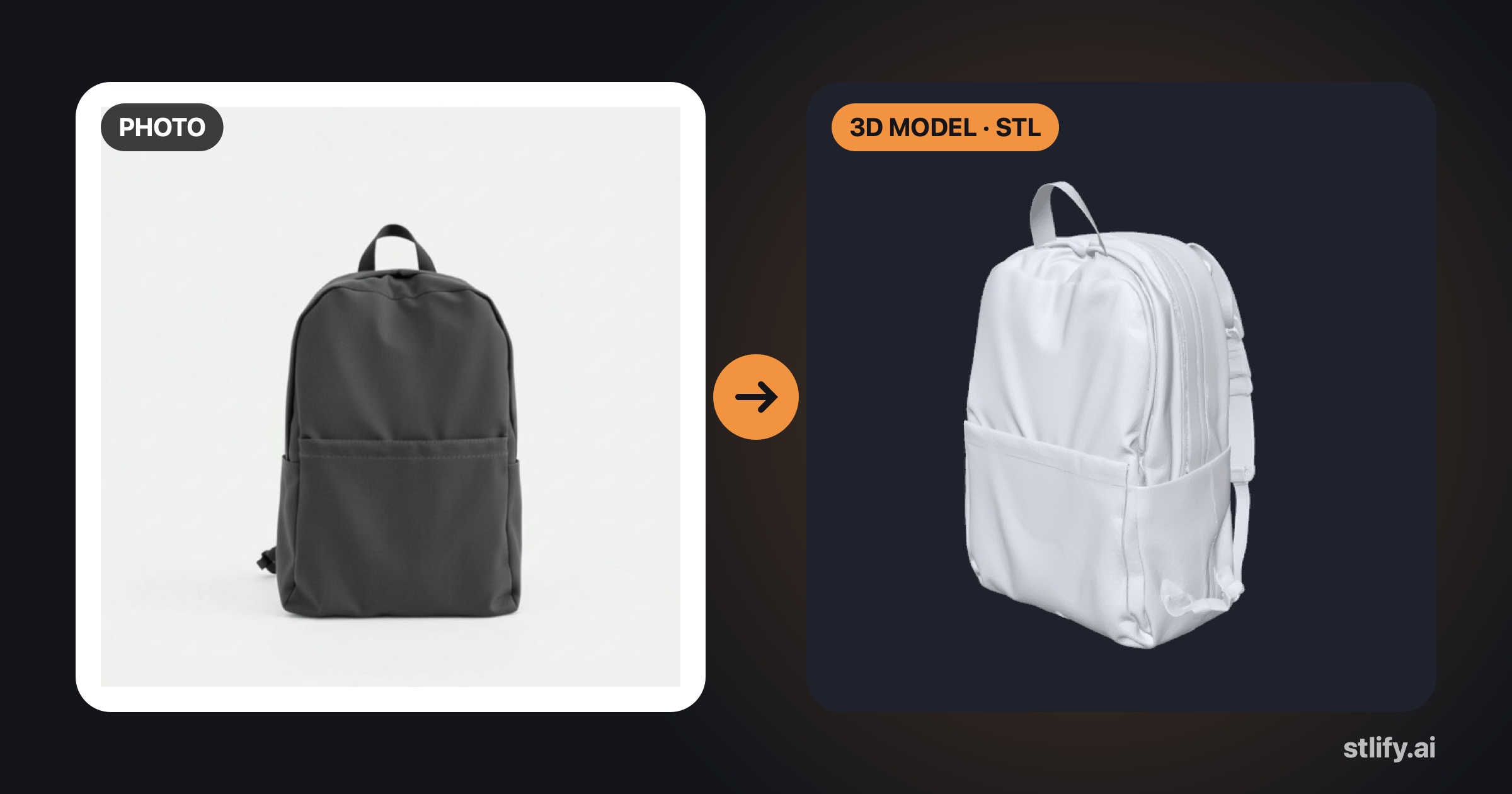
- STL stores only triangles: no units, no colour. It is the universal choice for single-colour prints.
- OBJ adds UVs, materials and (unofficially, but widely supported) vertex colours — that is what a Colour OBJ uses.
- 3MF is a zipped package with units, colours, multiple parts and even slicer settings; it is the best format for saving print projects.
- GLB (binary glTF) carries full textures for viewers, AR and Blender, but most slicers don’t open it.
- Stlify exports STL (scaled 20–300 mm), Colour OBJ, plain OBJ and GLB — pick STL for one colour, Colour OBJ for AMS prints, GLB for viewing and painting reference.
Use STL for single-colour 3D printing, OBJ when you need colours or textures to travel with the mesh, 3MF to save a complete print project with units, colours and settings, and GLB for viewing in a browser, AR or Blender. All four can describe the same shape; they differ in what extra information they carry and which programs read it.
Below is what each format actually stores, which slicers open which file, and a quick decision guide — plus how Stlify’s four export buttons map onto all of this.
The short comparison
| STL | OBJ | 3MF | GLB | |
|---|---|---|---|---|
| Geometry | Triangles only | Triangles or polygons, normals, UVs | Triangles, multiple objects | Triangles, normals, UVs |
| Units | None (assumed mm) | None | Yes, stored in file | Metres by spec |
| Colour | No (non-standard hacks only) | Vertex colours (common extension) or textures via MTL | Yes, per triangle or per material | Full textures and PBR materials |
| Materials / multi-part | No | Basic materials via .mtl file | Yes, plus slicer settings in project files | Yes, PBR materials |
| Files | One file | OBJ + optional .mtl + images | One zipped file | One binary file |
| Slicer support | Universal | Very wide | All modern slicers | Rare |
| Best for | Single-colour prints | Colour prints, exchange with 3D apps | Print projects, multi-colour | Viewers, AR, Blender |
STL: the universal triangle soup
STL (stereolithography) dates back to the 1980s and does one thing: it lists triangles. Each triangle has three corner positions and a facing direction. There is no unit — a value of “100” could be millimetres or inches — so slicers simply assume millimetres. There is no standard colour, no materials and no notion of separate parts.
That simplicity is exactly why STL is everywhere. Every slicer — Bambu Studio, PrusaSlicer, Cura, OrcaSlicer, Chitubox, Lychee — opens it, and every model-sharing site offers it. Binary STL files are compact; ASCII STL files are human-readable but several times larger.
- Pros: works everywhere, simple, small in binary form.
- Cons: no units (scaling mistakes happen), no colour, shared vertices are stored repeatedly.
- Use it for: any single-colour FDM or resin print.
OBJ: geometry plus textures and colours
OBJ comes from the animation world. It is a plain-text format that lists vertices and faces, and it can also store normals and UV coordinates (which map a 2D image onto the surface). Materials and texture images live in a companion .mtl file and image files, which is why OBJ downloads are often a folder or a zip.
OBJ also has a widely used, unofficial extension: a colour value written after each vertex position. That is called vertex colour, and it is what makes a “Colour OBJ”. The colour lives in the mesh itself, so it survives without any texture images. Bambu Studio and OrcaSlicer read these vertex colours and can turn them into filament regions for AMS or multi-material printing.
- Pros: very widely supported, can carry colour, easy to inspect.
- Cons: text files get large; no units; textures need extra files to travel with it.
- Use it for: colour prints in Bambu Studio or OrcaSlicer, moving models to Blender or other 3D apps.
3MF: the modern print project format
3MF (3D Manufacturing Format) was designed by an industry consortium specifically for 3D printing. A 3MF file is a zip package containing XML that describes the mesh with explicit units, plus optional colours, materials, multiple objects and their positions on the plate. Slicers also use 3MF as their project format: when you save a project in Bambu Studio, PrusaSlicer or OrcaSlicer, the 3MF also stores your print settings, painted colours and supports.
That makes 3MF the best way to share a ready-to-print job, and the natural format for a multi-colour model after you have mapped colours to filaments. The catch: a project 3MF saved by one slicer may carry settings that another slicer ignores. The geometry and basic colours usually transfer fine.
- Pros: units included, colour and multi-part support, compact, can store full slicer projects.
- Cons: slicer-specific project data doesn’t always transfer; fewer non-printing 3D apps handle it well.
- Use it for: saving and sharing print-ready projects, especially multi-colour ones.
GLB: textures for viewers, AR and Blender
GLB is the binary version of glTF, often called “the JPEG of 3D”. It packs the mesh, full-resolution textures and physically based materials into one file that browsers, AR viewers, game engines and Blender open directly. By specification, glTF works in metres.
Most slicers don’t import GLB, and textures are images rather than geometry, so they can’t be printed directly. For printing you convert: import the GLB into Blender and export STL, OBJ or 3MF — or simply use a format made for printing in the first place.
- Pros: full colour texture, one file, opens in browsers, AR and Blender.
- Cons: not a print format; metres instead of millimetres.
- Use it for: previewing, sharing in 3D, painting reference, editing in Blender.
Which slicer opens which format?
| Software | STL | OBJ | 3MF | Vertex colours from OBJ |
|---|---|---|---|---|
| Bambu Studio | Yes | Yes | Yes (also project format) | Yes, with colour merge |
| OrcaSlicer | Yes | Yes | Yes (also project format) | Yes, with colour merge |
| PrusaSlicer | Yes | Yes | Yes (also project format) | Paint colours manually |
| UltiMaker Cura | Yes | Yes | Yes | No — single-colour use |
| Chitubox / Lychee (resin) | Yes | Yes | Varies by version | Not used for resin |
| Blender | Yes | Yes | Via add-on | Yes (as colour attribute) |
Support changes between versions, so if a format doesn’t open, update your slicer first. STL is the safe fallback in every case.
How Stlify’s exports map to these formats
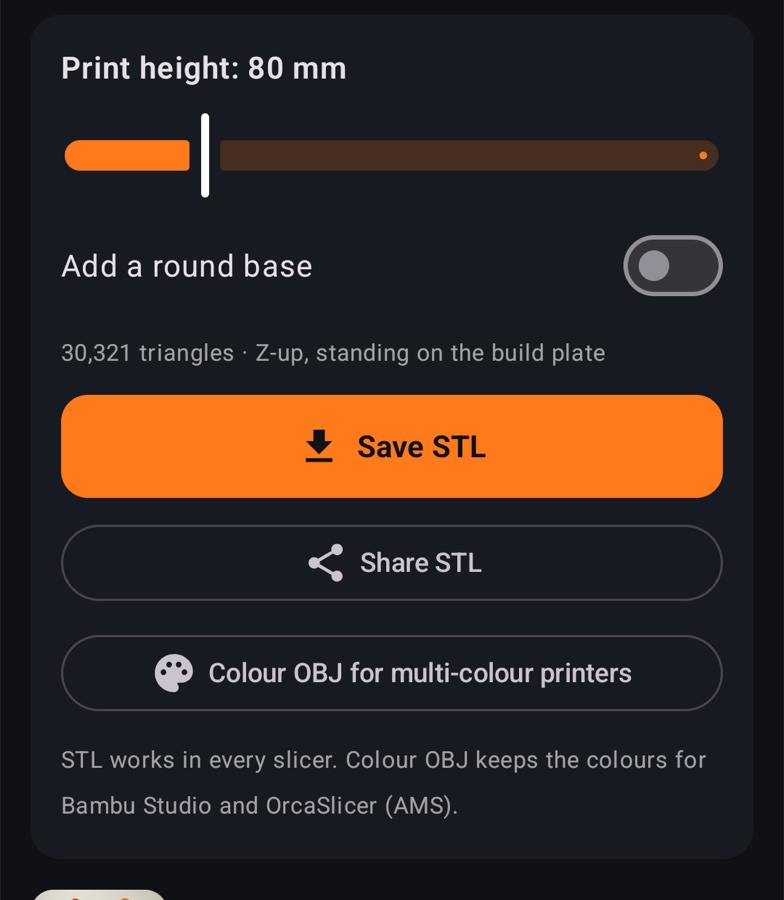
After the AI builds your model from a photo, the export panel offers four downloads. The STL and both OBJ options are already scaled to the height you set (20–300 mm), stand on the build plate with Z up, and include the optional round base.
| Stlify export | What it contains | Open it in | Pick it when |
|---|---|---|---|
| STL | Mesh in mm at your height, optional round base | Any slicer | You print in one colour (or paint afterwards) |
| Colour OBJ | Same mesh plus a colour on every vertex | Bambu Studio, OrcaSlicer, Blender | You print in colour with an AMS or multi-material setup |
| OBJ | Same mesh, no colour | Slicers, Blender, CAD tools | You want to edit the model in another 3D program |
| GLB | Mesh with the full colour texture | Browsers, AR viewers, Blender | You want to view, share or use it as a painting reference |
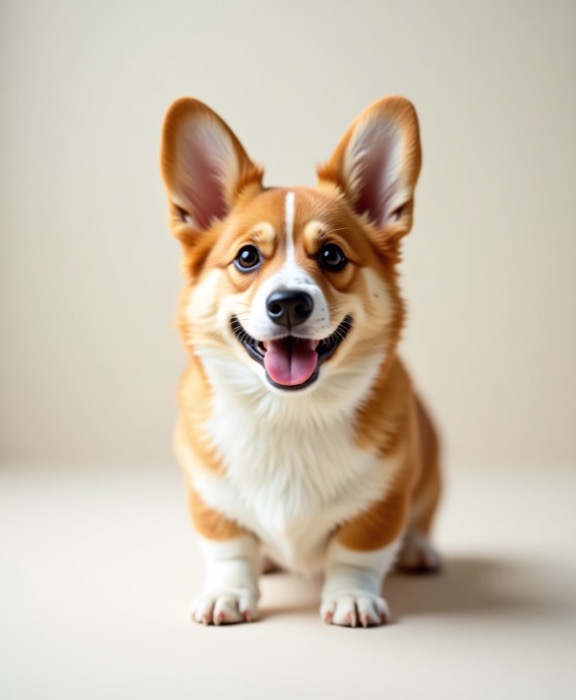
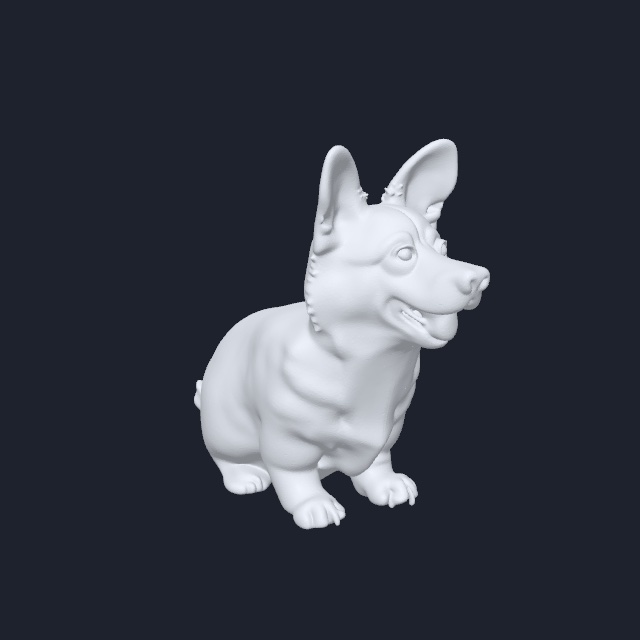
Want a 3MF? Import the Colour OBJ into Bambu Studio or OrcaSlicer, merge and map the colours, then save the project. The resulting 3MF keeps your colours, scale and settings, ready to reprint or share.
Decision guide
- Printing in one colour? Use STL.
- Printing in several colours with an AMS or multi-material printer? Use the Colour OBJ, then save as 3MF in your slicer.
- Sending a finished job to a friend or a print service? Send a 3MF project, plus the STL as a fallback.
- Editing in Blender, or want textures? Use GLB (colour) or OBJ (geometry).
- Showing it on a website or in AR? Use GLB.
File size: what to expect
A typical Stlify model has roughly 300,000 triangles. Rough sizes for a mesh like that:
| Format | Approximate size for ~300k triangles |
|---|---|
| Binary STL | About 15 MB (50 bytes per triangle) |
| ASCII STL | Several times larger than binary |
| OBJ / Colour OBJ (text) | Roughly 10–25 MB, depending on precision and colours |
| 3MF (zipped) | Usually smaller than the STL |
| GLB | Depends mostly on texture size |
Binary STL size is easy to calculate: 84 bytes of header plus 50 bytes per triangle. The other numbers vary with how a program writes the file, so treat them as ballpark figures.
Common format mistakes
- Model is 25 times too small or too large: an inch/mm mix-up. STL and OBJ don’t store units.
- OBJ opens without colour: the slicer doesn’t read vertex colours, or the texture files were left behind. Use the Colour OBJ in Bambu Studio or OrcaSlicer.
- GLB won’t open in the slicer: expected. Convert via Blender or use STL/OBJ.
- Project 3MF looks different in another slicer: slicer-specific settings didn’t transfer. Re-check settings or share the plain model.
FAQ
Is 3MF better than STL?
For printing projects, usually yes: 3MF stores units, colours, multiple parts and slicer settings. STL is still the most compatible format and is perfectly fine for single-colour prints.
Can STL files have colour?
Not in any standard way. Some programs use a non-standard trick in binary STL, but slicers ignore it. Use OBJ with vertex colours or 3MF for colour.
Should I use OBJ or STL for 3D printing?
Use STL for single-colour prints. Use OBJ when you need colour — for example a Colour OBJ in Bambu Studio or OrcaSlicer — or when moving a model into another 3D program.
Can I 3D print a GLB file?
Not directly in most slicers. Import it into Blender and export STL, OBJ or 3MF, or download a print format instead.
Do STL files have units?
No. Slicers assume millimetres. That is why models exported in inches show up tiny.
How do I get a 3MF from Stlify?
Export the Colour OBJ or STL, open it in your slicer and save the project — the slicer writes a 3MF with your colours and settings.