Stlify AI

Drawing to 3D model

Turn a character drawing, mascot or illustration into a 3D figure you can print.

Drop a photo here or tap to choose
JPG, PNG or WebP · up to 12 MB
Free credits when you sign up
Tips for the best model
  • One character, full body
  • Clean lines, solid colours
  • Plain white background
  • Front or three-quarter view
  • Rough pencil sketches with many lines
  • Several characters on one page
Cartoon fox photo used as inputYour photo
Cartoon fox · 3D · drag to rotate

Even a flat drawing becomes a 3D character figure.

Examples: photo → 3D model

Cartoon fox photoCartoon fox 3D printable model made with Stlify AI
Even a flat drawing becomes a 3D character figure.
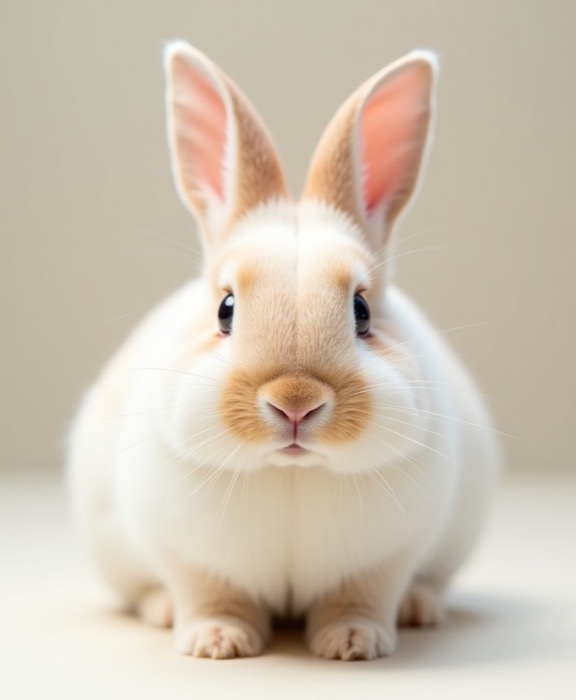
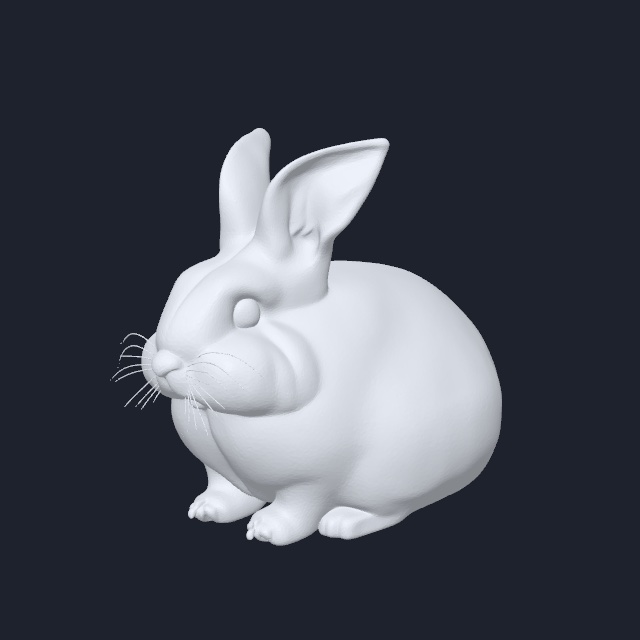
Rabbit photoRabbit 3D printable model made with Stlify AI
Soft fur, whiskers and a perfect sitting pose from one picture.
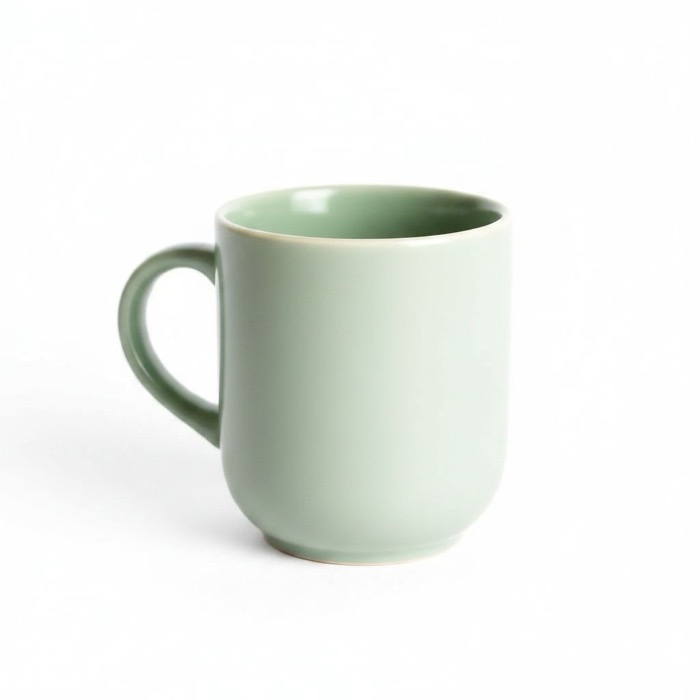
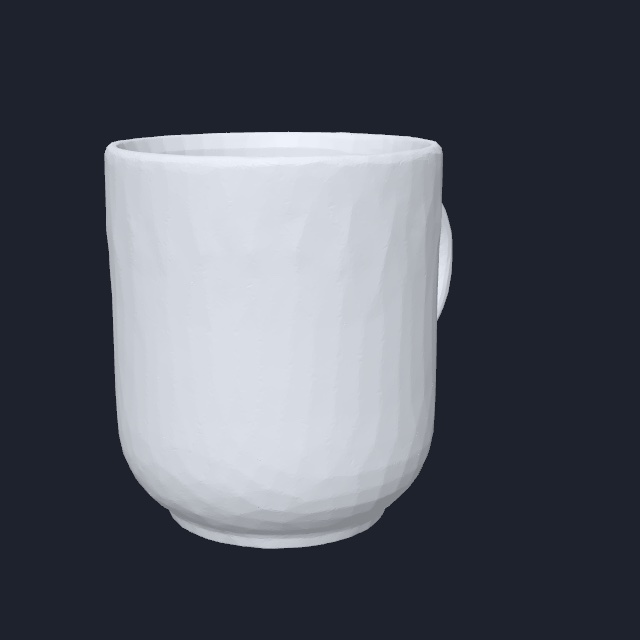
Mug photoMug 3D printable model made with Stlify AI
Everyday objects work too: handle, rim and base.

From 2D drawing to 3D figure

Image-to-3D AI is not only for photos. A clean character drawing — a mascot, your original character, or your kid’s favourite doodle traced neatly — can become a 3D figure. The AI infers volume from the outline and colours and builds the back to match.
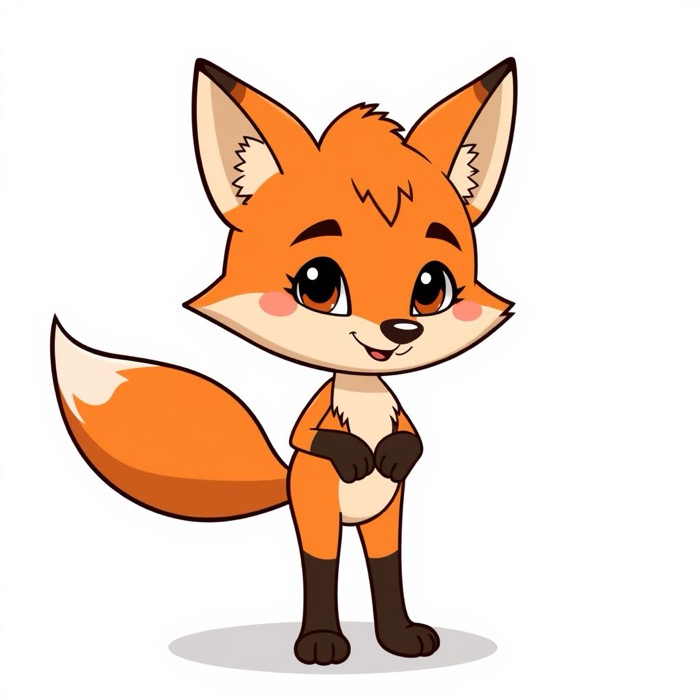
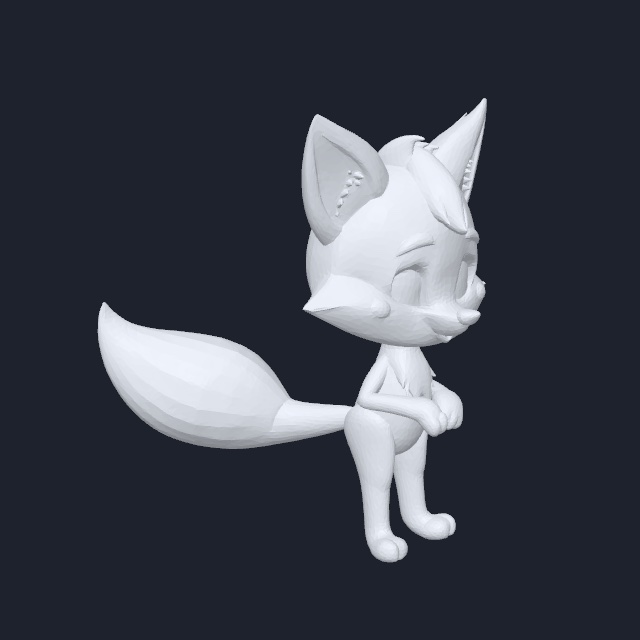
Cartoon fox photo used as inputCartoon fox 3D printable model made from the photo with Stlify AI
A flat cartoon mascot becomes a 3D figure you can print.

Make your drawing AI-friendly

Turn your drawing into 3D
Upload one photo, get an STL in minutes. Your first model is free.
Upload a photo

FAQ

Can AI turn a sketch into a 3D model?

Clean, coloured drawings work well. Rough sketches with many construction lines are harder — ink and colour them first.

Can I turn my child’s drawing into a toy?

Yes — redraw it cleanly or colour it in, then upload. It makes a lovely printed keepsake.