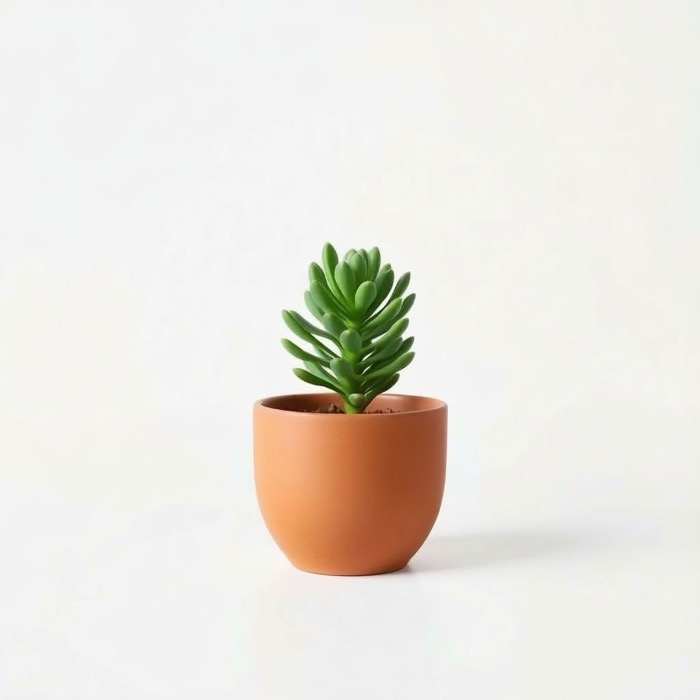
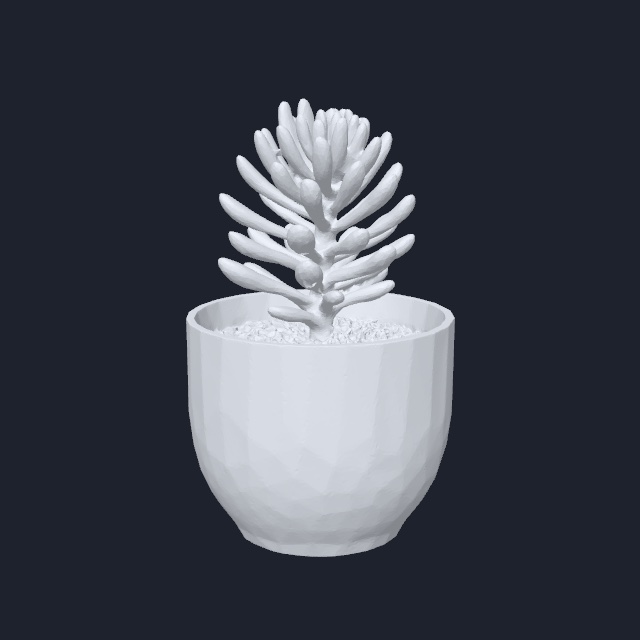
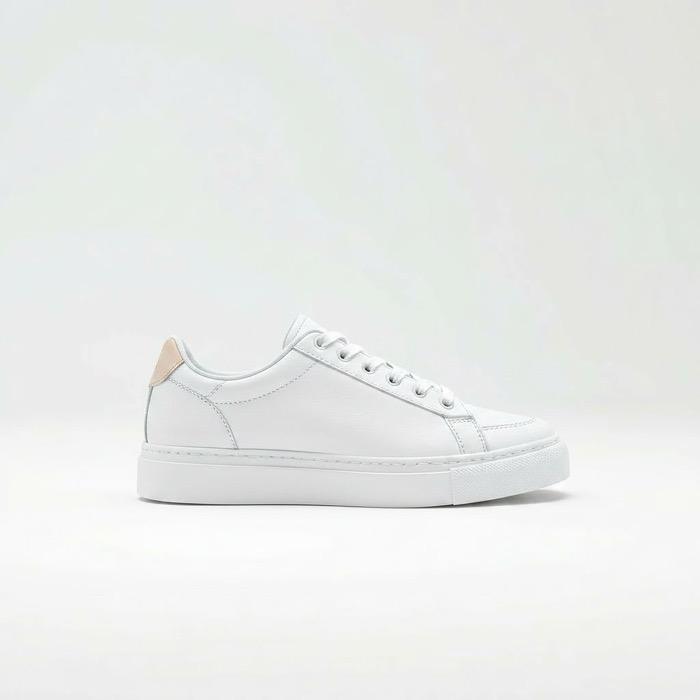
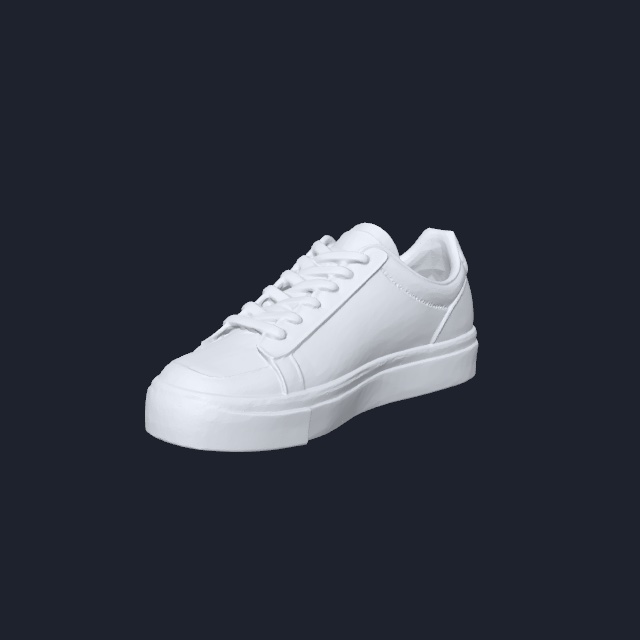
How AI image to STL works
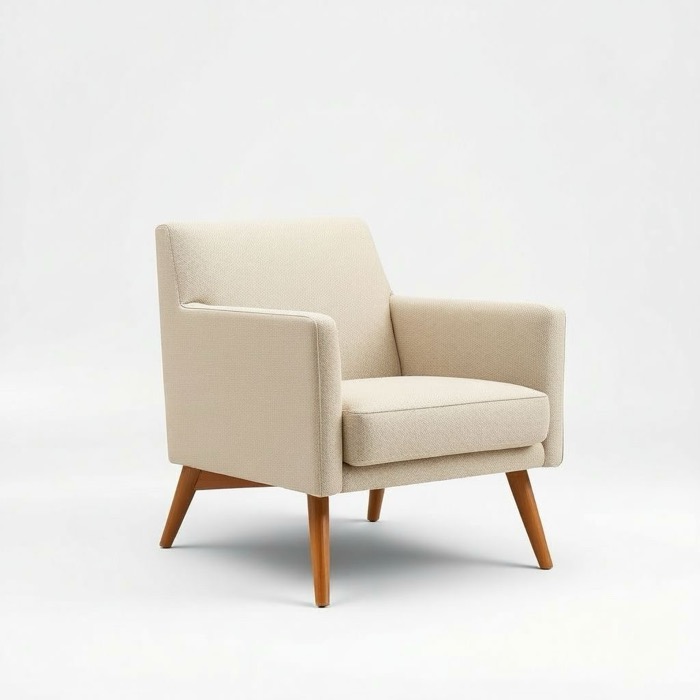
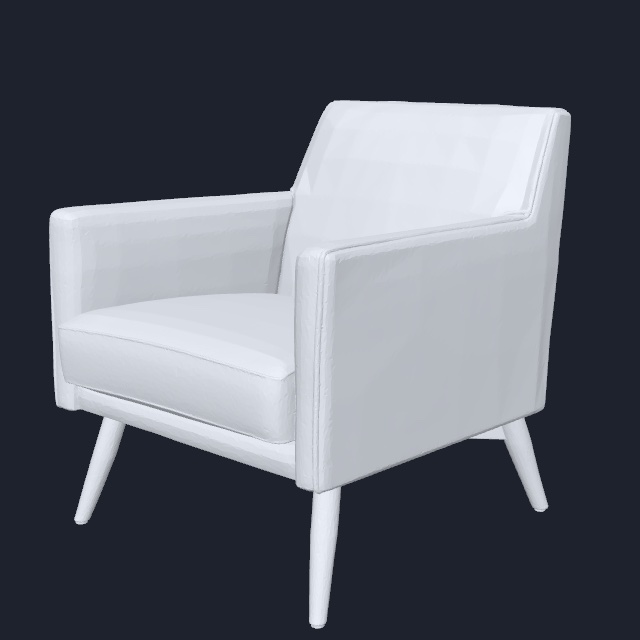
The image-to-3D model separates the subject from the background, predicts its 3D shape from the outline and shading, fills in the hidden sides using what it learned from millions of objects, and outputs a triangle mesh. We then let you scale it in millimetres and export STL.
Good to know
- Single subject images work best.
- Very thin parts (antennas, chains) may need a bigger print.
- Transparent or mirror-like objects are hard for any AI.
- If a result fails or comes out flat, we retry automatically and refund failures.
Generate an STL from your image
Upload one photo, get an STL in minutes. Your first model is free.
FAQ
What is the best AI image to STL tool?
Look for full 3D reconstruction (not brightness reliefs), mm sizing and STL export. Stlify does all three and gives you a free first model.
Can I use AI-generated images?
Yes — clean AI images with one subject and a plain background convert very well.