Why PNG works so well
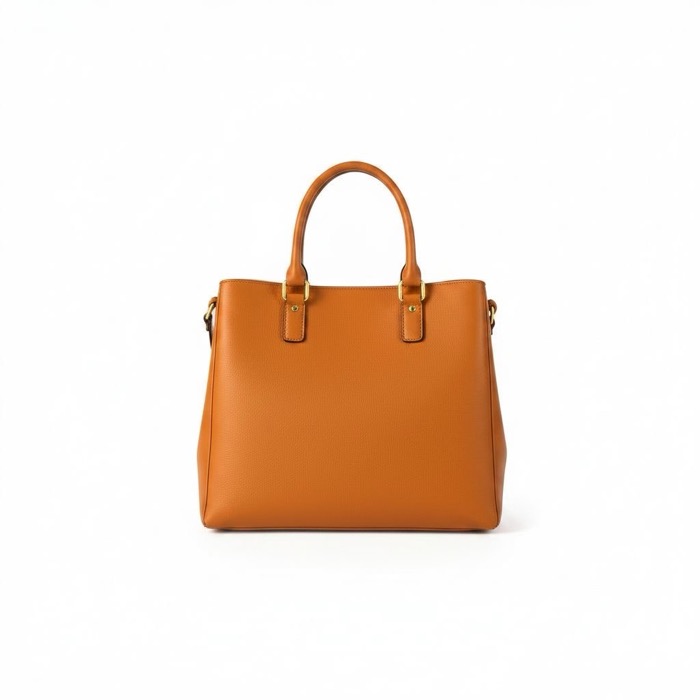
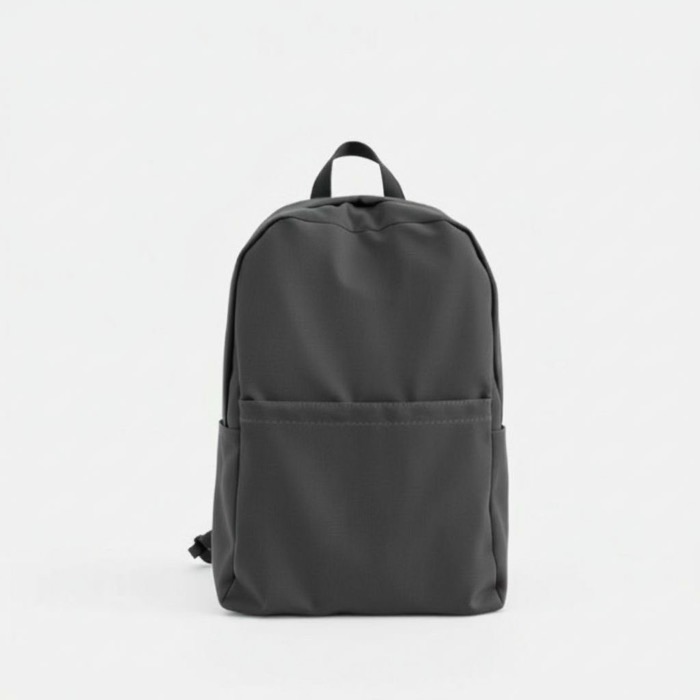
A PNG with a transparent background is already cut out, so the AI knows exactly where the object ends. That usually means cleaner edges and fewer stray bits in the 3D model. Regular PNG screenshots and product images work too.
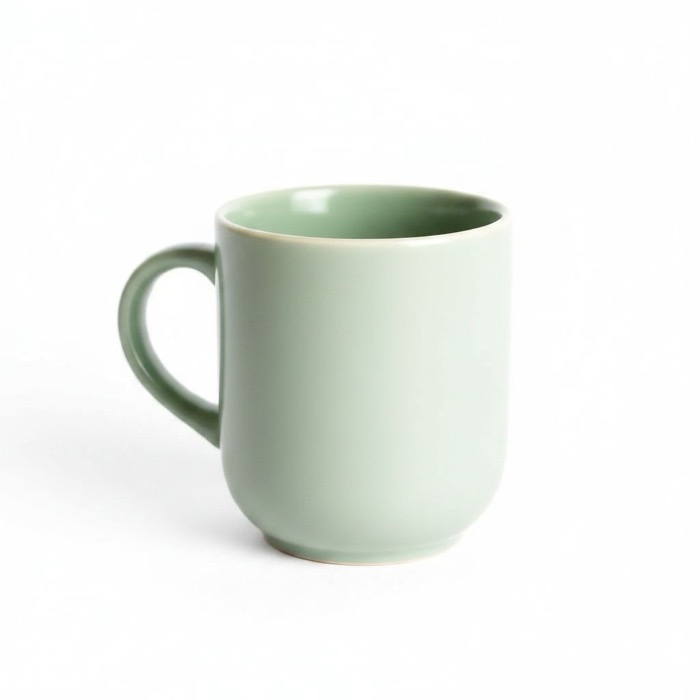
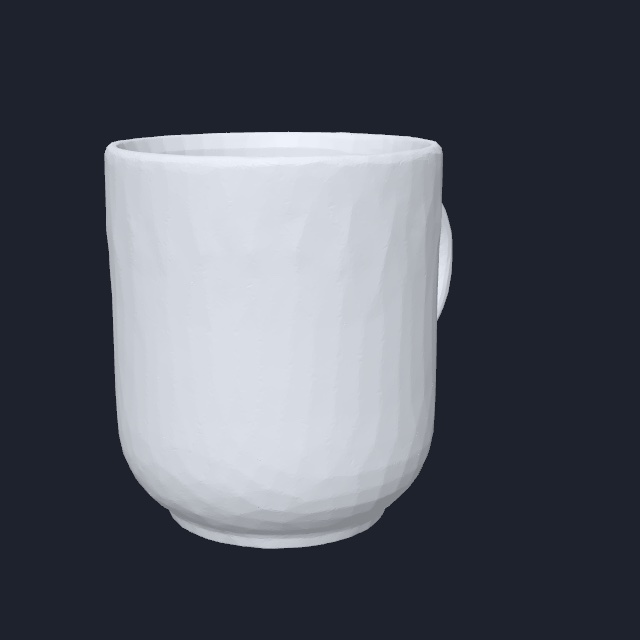
PNG to STL in four steps
- Upload the PNG (up to 12 MB).
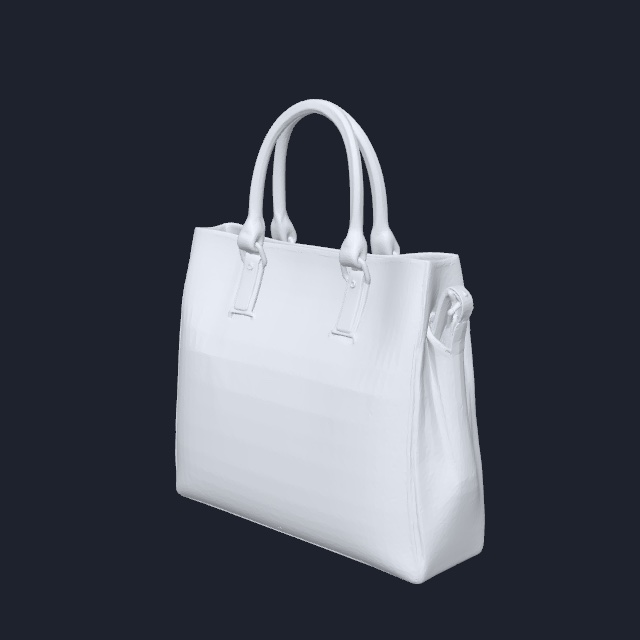
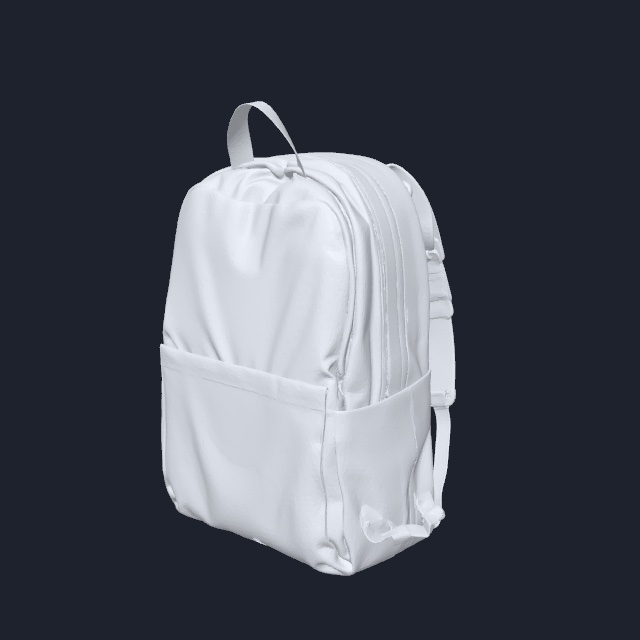
- The AI rebuilds the object in 3D.
- Set the print height and optional base.
- Download STL, OBJ or GLB.
PNG to STL in Tinkercad vs. AI
Tinkercad can only import SVG outlines and extrude them, so a PNG logo becomes a flat badge. Use that for logos, signs and cookie cutters. For a 3D object — a toy, a pet, a product — use AI image-to-3D.
Convert your PNG to STL
Upload one photo, get an STL in minutes. Your first model is free.
FAQ
Can I convert a PNG logo to STL?
For flat logos, an SVG extrude in Tinkercad is better. For a 3D version of an object, use AI.
Does transparency matter?
It helps: a transparent background gives a cleaner cut-out.