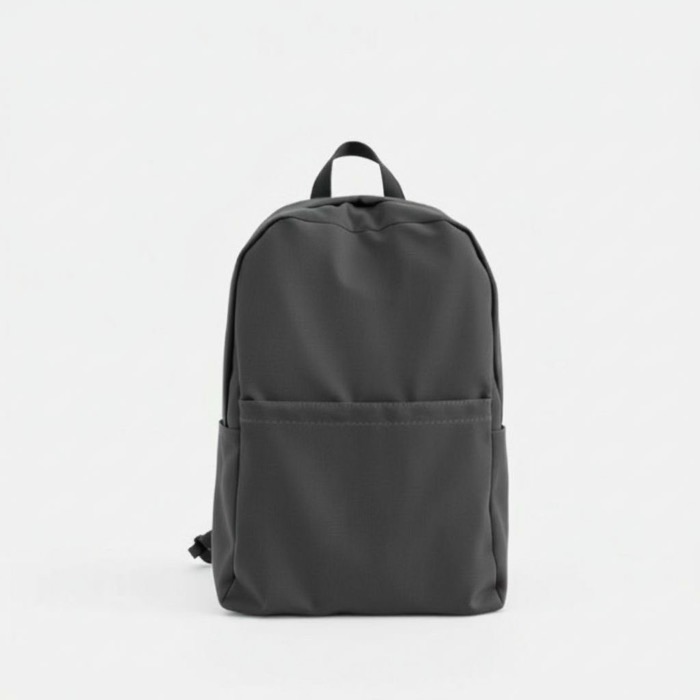
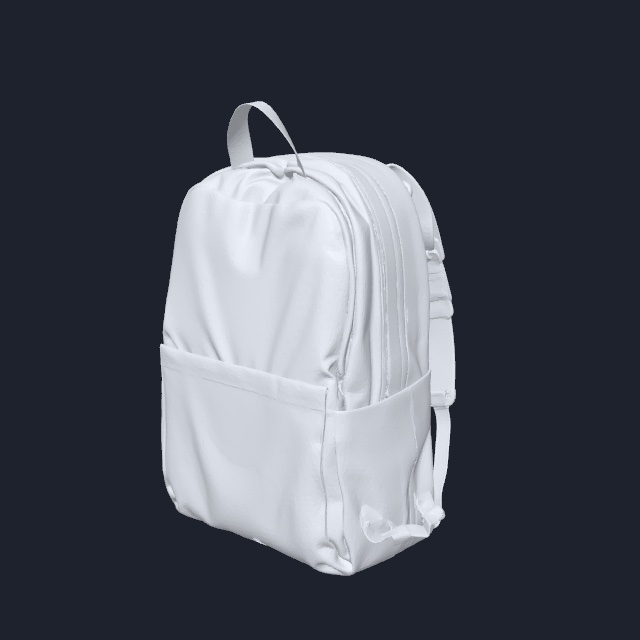
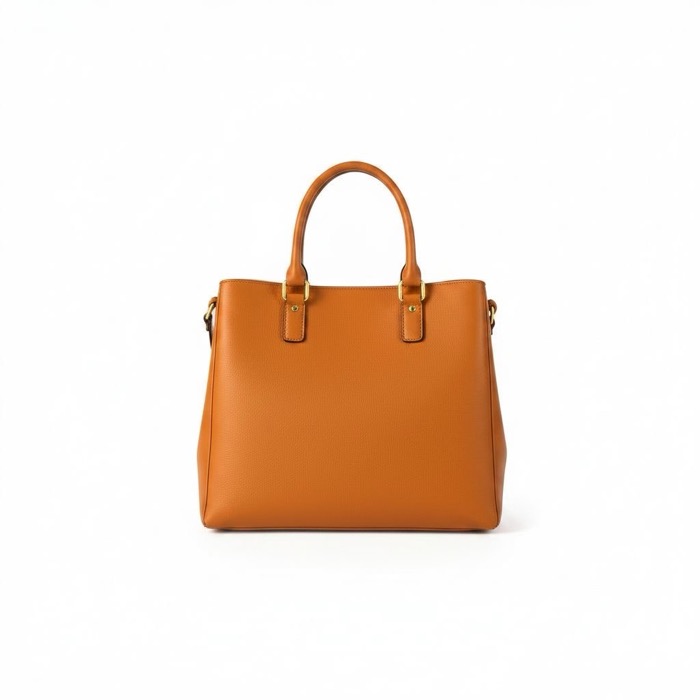
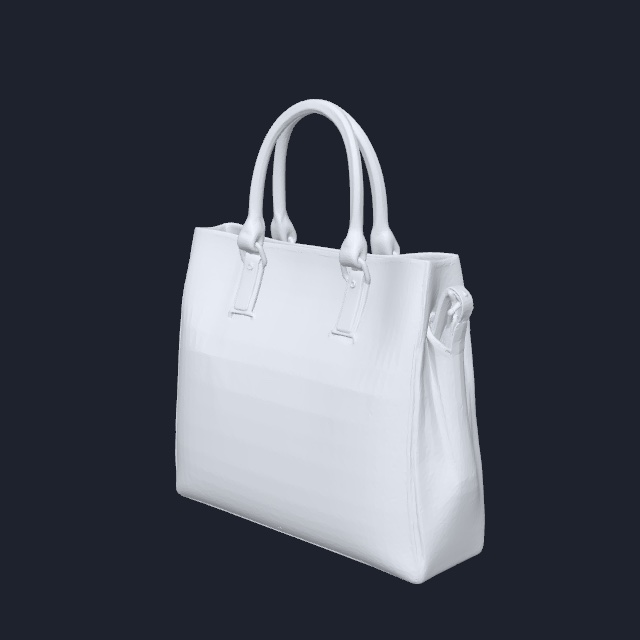
To make a 3D model from a product photo, upload one image of the product on a plain background, ideally at a three-quarter angle. Stlify AI cuts out the product, predicts its full shape and fills in the back in about 1–5 minutes. You get a GLB for web viewers and AR, an OBJ for Blender, a Colour OBJ and a solid STL for 3D printing, all from the same photo.
What a product model is good for
- A 3D viewer or AR preview on a product page, from the GLB file.
- Quick mock-ups and scenes in Blender without modelling from scratch.
- A printed prototype or sample to check size and proportions on a desk.
- Props and miniatures for tabletop scenes and dioramas.
Which product photos work best
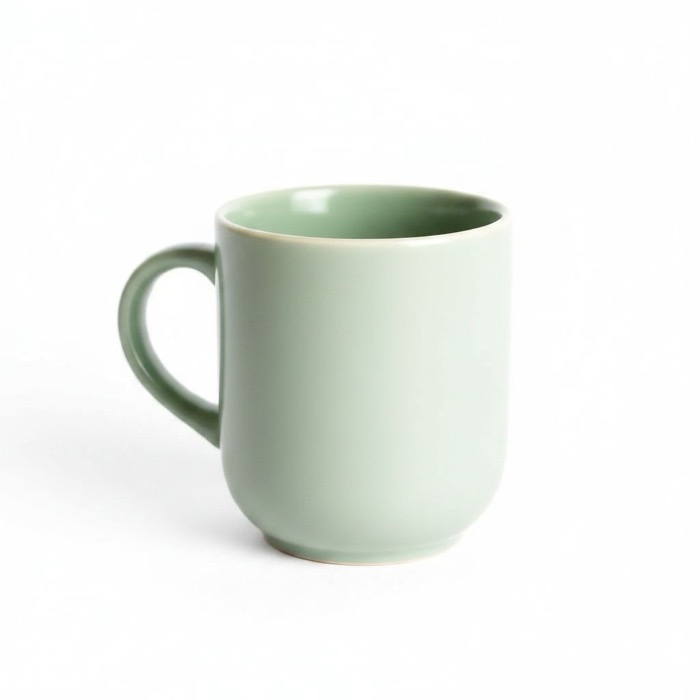
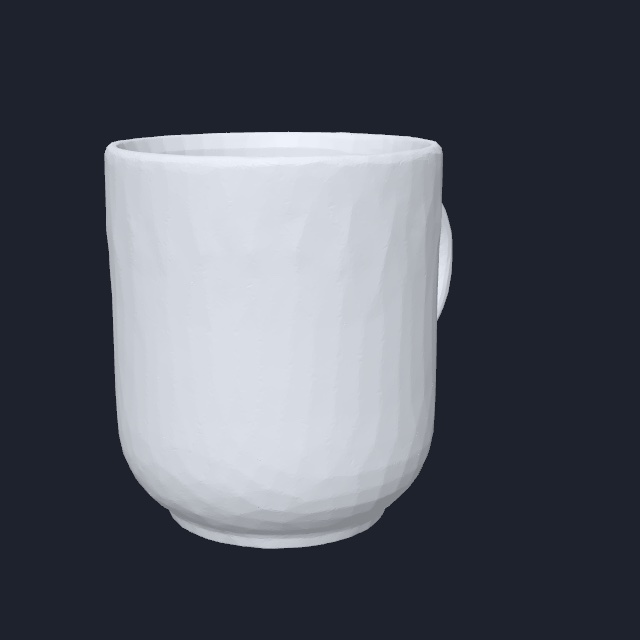
Catalogue-style photos work best: a single product, centred, on white or a plain colour, lit evenly. The existing packshots in your shop often work as they are. Three-quarter views beat straight front views, because the AI sees two sides and the depth between them. Avoid photos where the product is held, worn or half hidden behind other items.
Shapes that work and shapes that are hard
| Works well | Harder |
|---|---|
| Mugs, vases, bottles, lamps | Clear glass and transparent plastic |
| Bags, backpacks, shoes | Very thin wires, chains and cables |
| Toys, figurines, packaging | Mirrors and chrome reflecting the room |
| Furniture and decor | Products with exact technical dimensions |
Accuracy: looks right, not measured
The model is a visual reconstruction. Proportions follow the photo and you set the overall height in millimetres, but hidden details on the back are a good guess, not a scan, and it is not precise enough for engineering parts or fit-critical moulds. For those, use CAD or a 3D scanner; for visuals, mock-ups and decorative prints, one photo is enough.
File formats for products
- GLB: one file with colour, for model-viewer, three.js, AR Quick Look converters and most web 3D viewers.
- OBJ: for Blender, Cinema 4D and other 3D tools.
- Colour OBJ: colours on the vertices for multi-colour printing in Bambu Studio or OrcaSlicer.
- STL: a solid, watertight mesh for any slicer.
If the product looks wrong
- Background objects merged in: use a plain backdrop or crop the photo around the product.
- Product looks flat: use a three-quarter angle instead of a straight front view.
- Lumpy surface on shiny products: reflections were read as shape; reshoot in soft light.
- Handle or strap missing: make sure it is clearly separated from the body in the photo.
FAQ
Can I make a 3D model from a single product photo?
Yes. One clean product shot is enough for a 3D model in GLB, OBJ, Colour OBJ and STL.
Can I use the GLB on my website?
Yes. GLB files open in web 3D viewers such as model-viewer and three.js, and can be converted for AR.
Is it accurate enough for manufacturing?
No. It is a visual reconstruction for mock-ups, previews and decorative prints, not a measured CAD model.
Do I own the 3D models I make?
Yes, you can use models made from your own product photos, including commercially.
What about transparent products?
Clear glass and plastic are hard for any image-to-3D AI. A matte prototype photo gives better results.