Photo to 3D model
Upload one photo. You get a 3D model you can rotate, size in millimetres and download as STL.
Create and download one model from US$1.99.
Tips for the best model
- One subject, fully in the photo
- Good light, sharp focus
- Plain or simple background
- 3/4 angle for cars and objects
- Tight close-ups (only a face)
- Groups, collages or screenshots
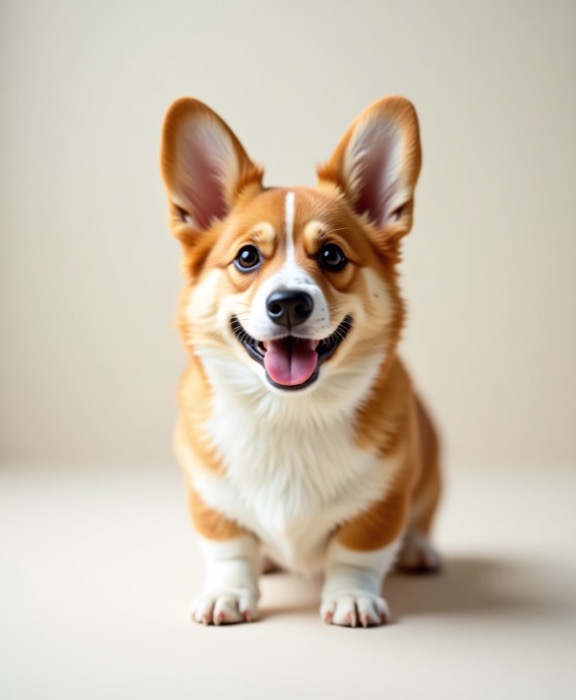 Your photo
A pet photo becomes a figurine — ears, paws and fur included.
Studios for a specific subject
The same tool with tips and examples for one kind of photo.
A 3D model you can actually print, not just look at
Stlify AI turns one photo into a printable 3D model. Every model comes with all download formats, sized in millimetres and checked to be solid before it reaches your slicer.
Solid, watertight STL
Every download is solidified first, so your slicer sees a closed volume with real walls and infill, not a hollow shell.
Real size in millimetres
Pick any height from 20 to 300 mm. The model is exported standing upright on the build plate, ready to slice.
Optional round base
One click merges a plinth under figurines and busts, so they stand on their own and need fewer supports.
Colour OBJ for AMS
Besides STL, OBJ and GLB you get a Colour OBJ that Bambu Studio and OrcaSlicer can map to multi-colour filament.
From photo to STL in four steps
- 1
Upload one photo
JPG, PNG, WebP or iPhone HEIC. One subject, fully in frame.
- 2
AI builds the 3D model
In about 1–5 minutes the subject is cut out, the full shape is predicted and the back is filled in.
- 3
Check and size it
Rotate it in colour or in the grey print view, choose the height in mm and add a base if you like.
- 4
Download and print
Save STL, OBJ, Colour OBJ or GLB and open it in Bambu Studio, PrusaSlicer, Cura or OrcaSlicer.
From photo to 3D model: real examples
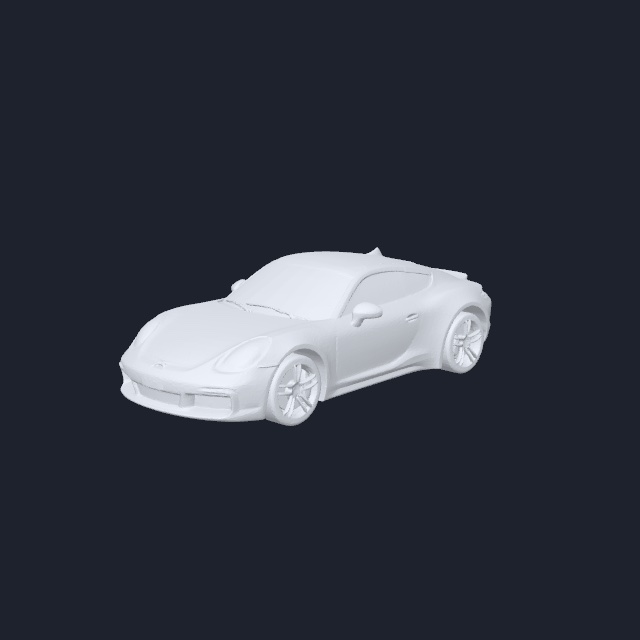
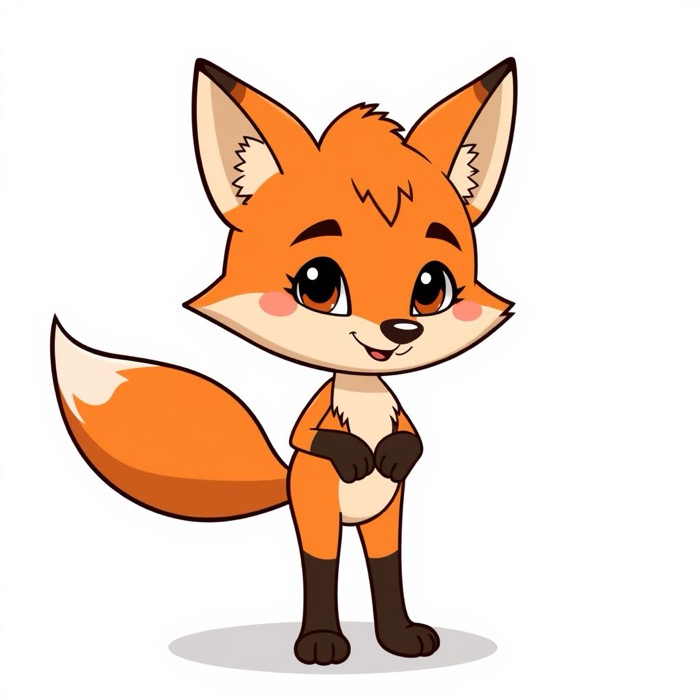
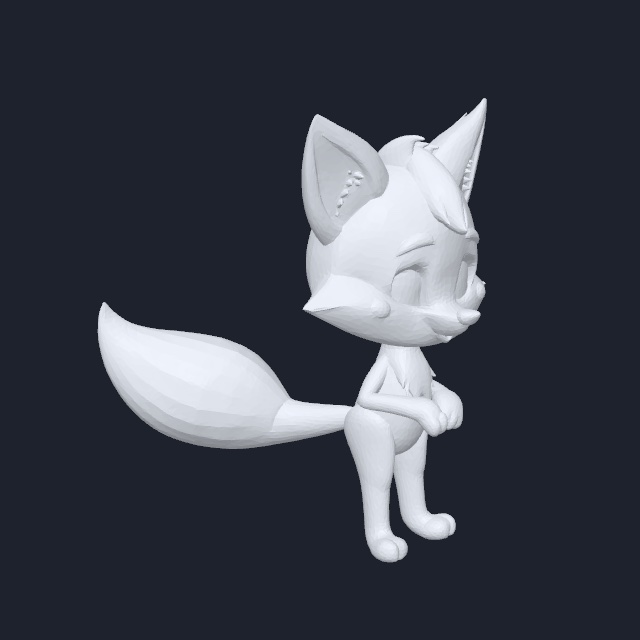
Each model below was made by Stlify AI from the photo next to it, with no manual editing.
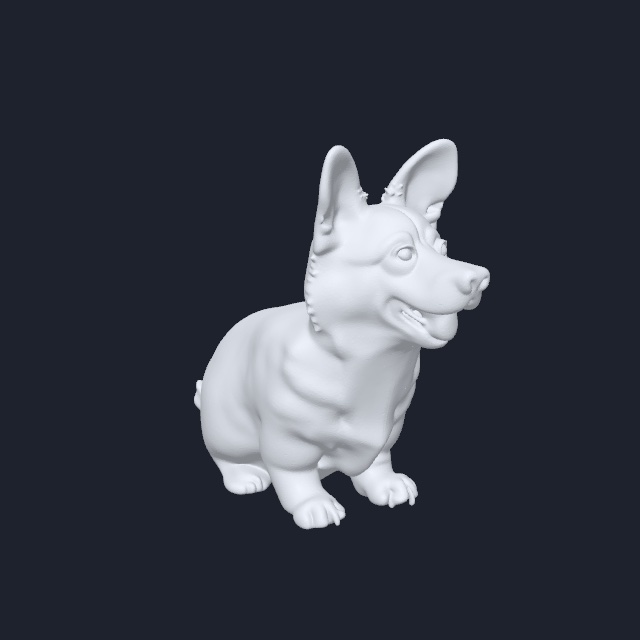

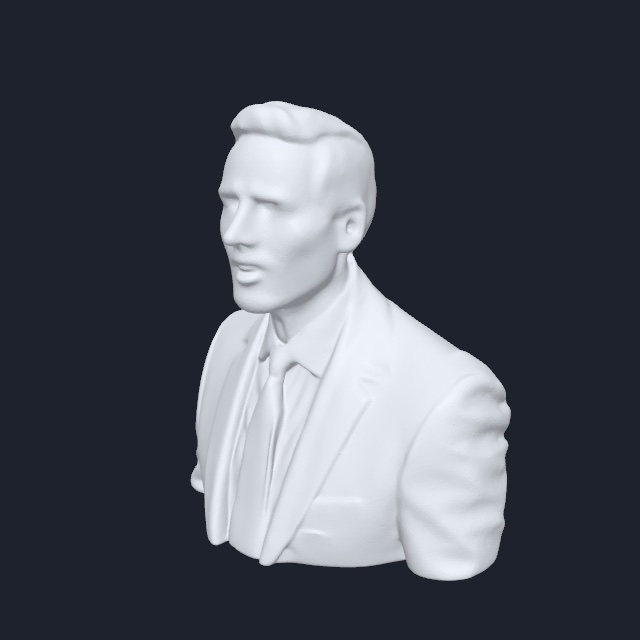
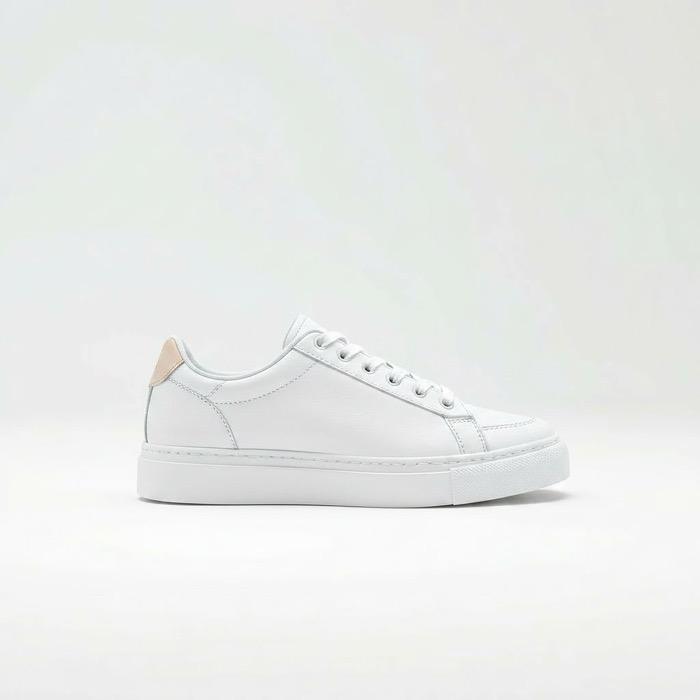
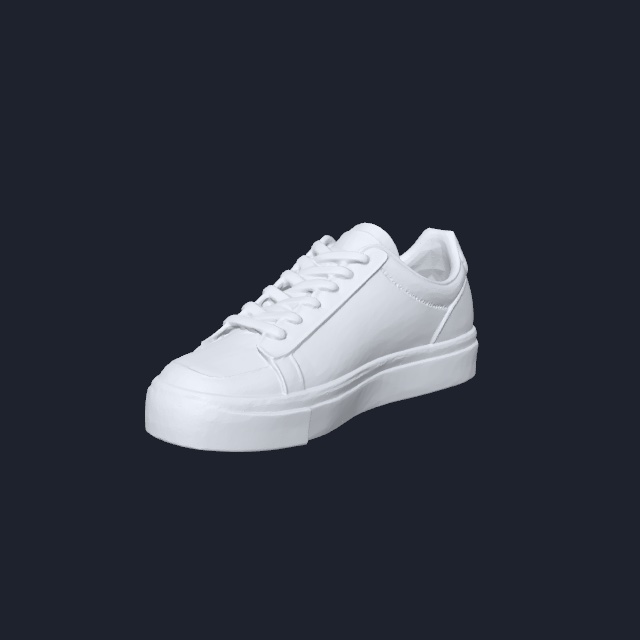
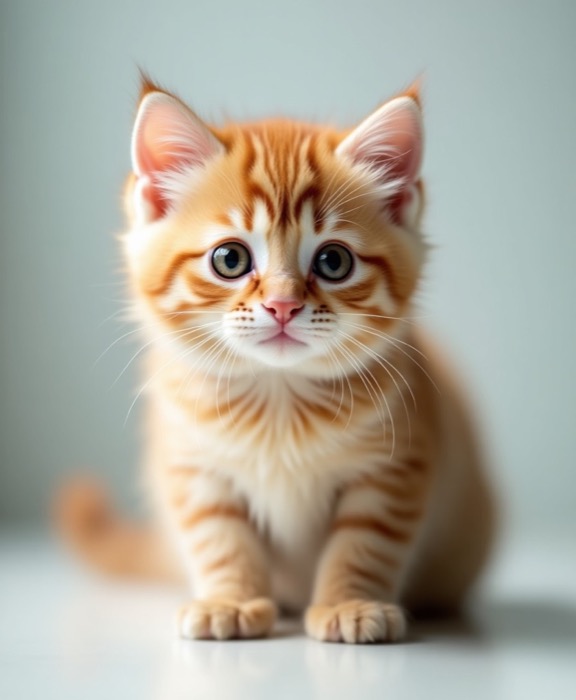
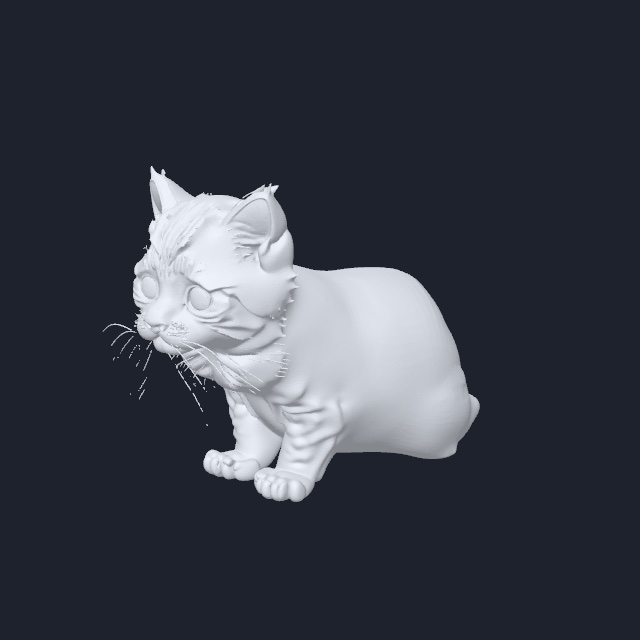
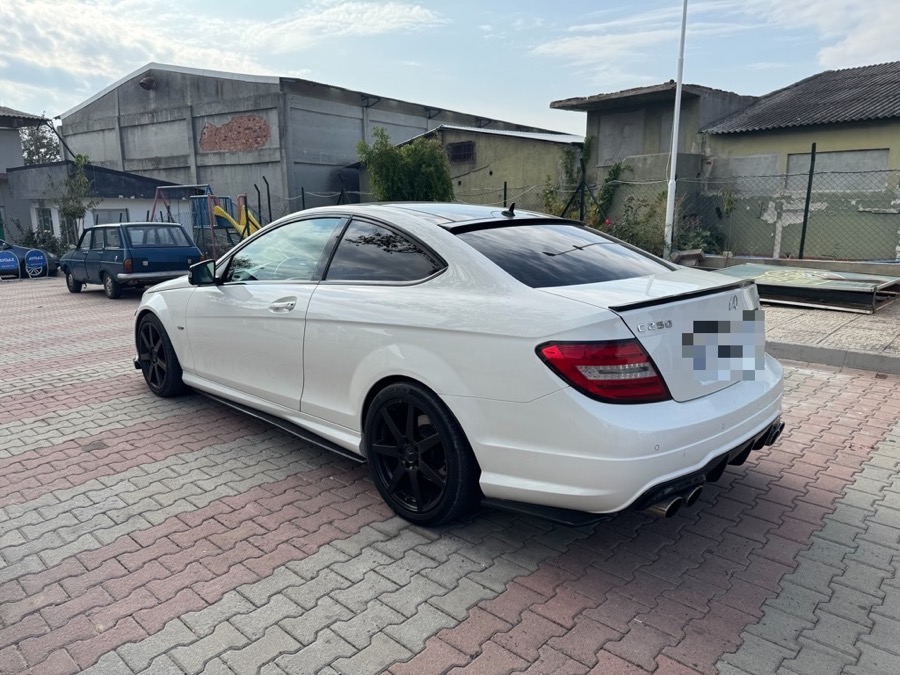
Which photos work best
The AI can only rebuild what it can recognise, so the photo matters more than anything else. A good phone photo is enough.
Works great
- One subject: a single pet, car, shoe, toy or person
- The whole subject in frame, nothing cut off at the edges
- Soft, even light (daylight from a window is ideal)
- A plain background: a wall, a floor or a table
- Objects and cars at a three-quarter angle, so two sides show
- Pets photographed at their eye level
Avoid
- Two or more subjects in one photo
- Face-only close-ups (step back to show head and shoulders)
- Hard shadows, strong backlight or dark rooms
- Blurry, tiny or heavily filtered pictures
- Busy backgrounds that blend into the subject
- Screenshots with text or stickers on top
More examples: how to take photos for 3D models.
What people make with it
Pet figurines and memorials
Turn a photo of your dog, cat or rabbit into a keepsake figurine, including pets that are no longer with you.
Guide: 3D print your dog →Car and bike models
Your first car, your project car or a classic you saw at a show, as a desk model with wheels and spoiler.
Guide: a 3D model of your car →Busts and figurines of people
A portrait becomes a printable bust: a gift for parents, a wedding cake topper or a mini of yourself.
How image-to-3D AI works →Drawings and kids’ art
A child’s drawing or a cartoon character becomes a real 3D toy they can hold.
Guide: drawing to 3D print →Products and props
Sneakers, bags, mugs and furniture for product mock-ups, tabletop scenery or miniature dioramas.
Guide: convert JPG to STL →Multi-colour prints
Use the Colour OBJ with an AMS or MMU to print the model in its real colours.
Guide: multi-colour prints →How big to print, and how long it takes
Ballpark figures for PLA on a modern FDM printer with a 0.4 mm nozzle, 3 walls and 10–15% infill. Tree supports and a brim help with small feet and thin parts.
| Height | Good for | Layer height | Print time |
|---|---|---|---|
| 20–40 mm | Keychains, game pieces | 0.08–0.12 mm or resin | under 1 hour |
| 50–80 mm | Desk minis, small pets | 0.12 mm | 1–3 hours |
| 80–120 mm | Pet figurines, busts, cars | 0.12–0.16 mm | 3–7 hours |
| 150–300 mm | Display pieces and gifts | 0.16–0.2 mm | 8 hours or more |
Works in Bambu Studio, PrusaSlicer, Cura and OrcaSlicer. Full settings: print settings for figurines · STL vs OBJ vs 3MF.
Fair pricing, no subscription
Create and download one custom model from US$1.99. Each model is 10 credits if you use a pack. Packs start at US$7.99 for 3 models. Credits never expire.
Questions about making a 3D model
How much does one custom model cost?
Creation and downloads start at US$1.99 with a one-time payment. Credit packs are optional and start at US$7.99 for 3 models. You can download free samples before uploading your photo.
How long does it take?
Usually 1–5 minutes from upload to a finished model. You can leave the page; the model is saved in your account.
Is the STL really printable?
Yes. Many AI 3D tools export a hollow, double-layer shell that slices as two thin walls or prints nothing. Every Stlify download is turned into a single solid, watertight mesh first, so slicers see walls and infill.
What happens to the back of the object?
The AI fills in the sides it cannot see, based on similar objects. For pets, people and most products this looks convincing. It is a good guess, not a scan, so unique markings on the back may not match.
Can I use it for precise, functional parts?
It is made for things that should look right: figurines, models, gifts and props. For exact dimensions, such as brackets or replacement parts, use CAD or photogrammetry instead.
Which file should I download?
STL for single-colour printing in any slicer. Colour OBJ for multi-colour printing in Bambu Studio or OrcaSlicer. OBJ or GLB for Blender, games, AR or 3D viewers.
What if the model comes out wrong?
If a model fails, its credits return to your balance automatically. If a finished model is clearly broken, write to support@stlify.ai or open a ticket and we fix it or return the credits.
What happens to my photos?
Your photo is used only to make your model and is stored privately in your account. We do not use your photos to train AI and never sell them. You can delete models and your account at any time.